A modern interface for your Clarion applications.
MyUI is a free Clarion class that renders your windows in HTML, CSS and JavaScript. Your application logic stays in Clarion, right where it already is.
! Describe the window like native controls
UI.AddEntry('CustName',CustName,10,10,120)
UI.AddButton('Save','Save',10,32,50)
UI.GetHTML(UI_HTML)

! Your logic stays in Clarion
CASE pEventName
OF 'Save'
  DO SaveCustomer
END
See it in action.
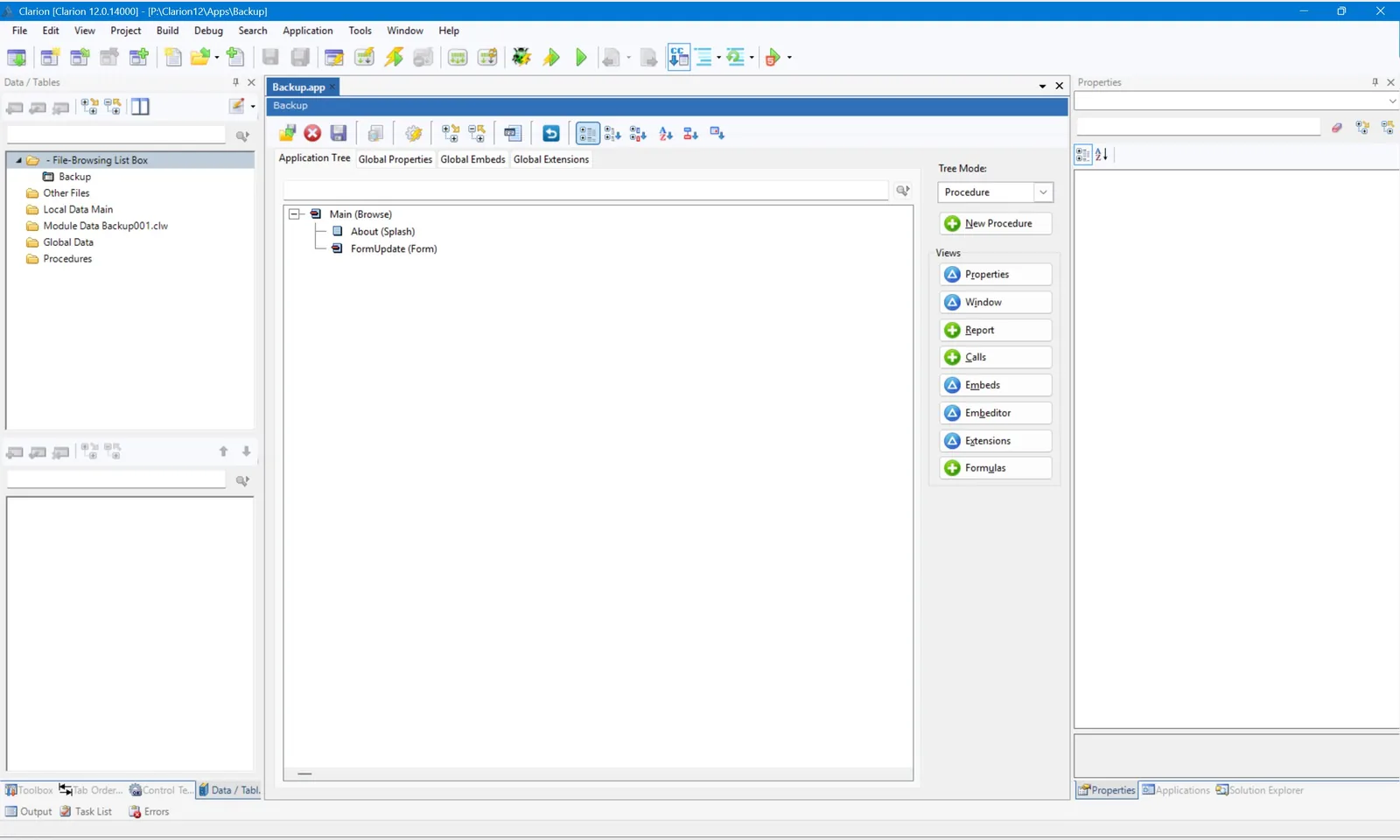
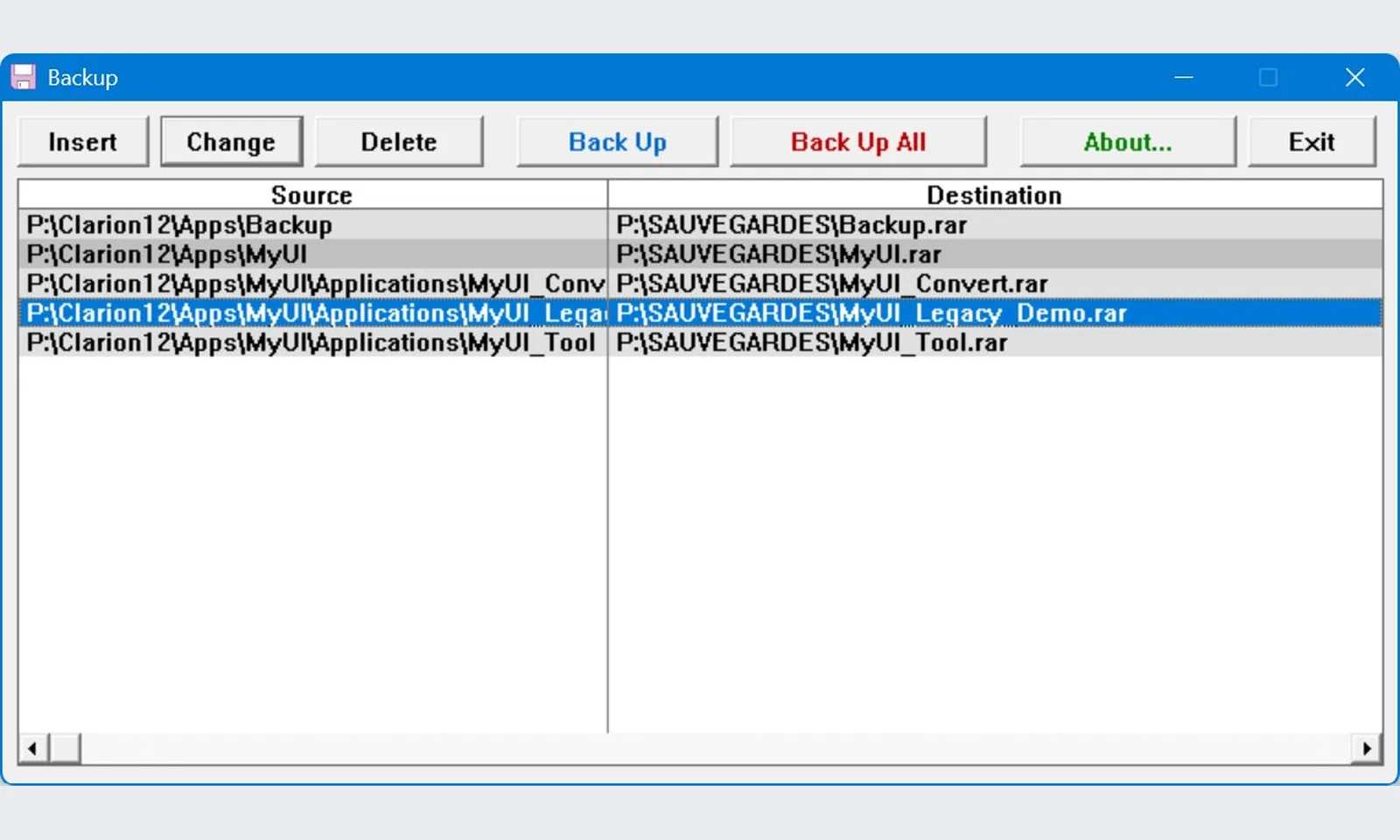
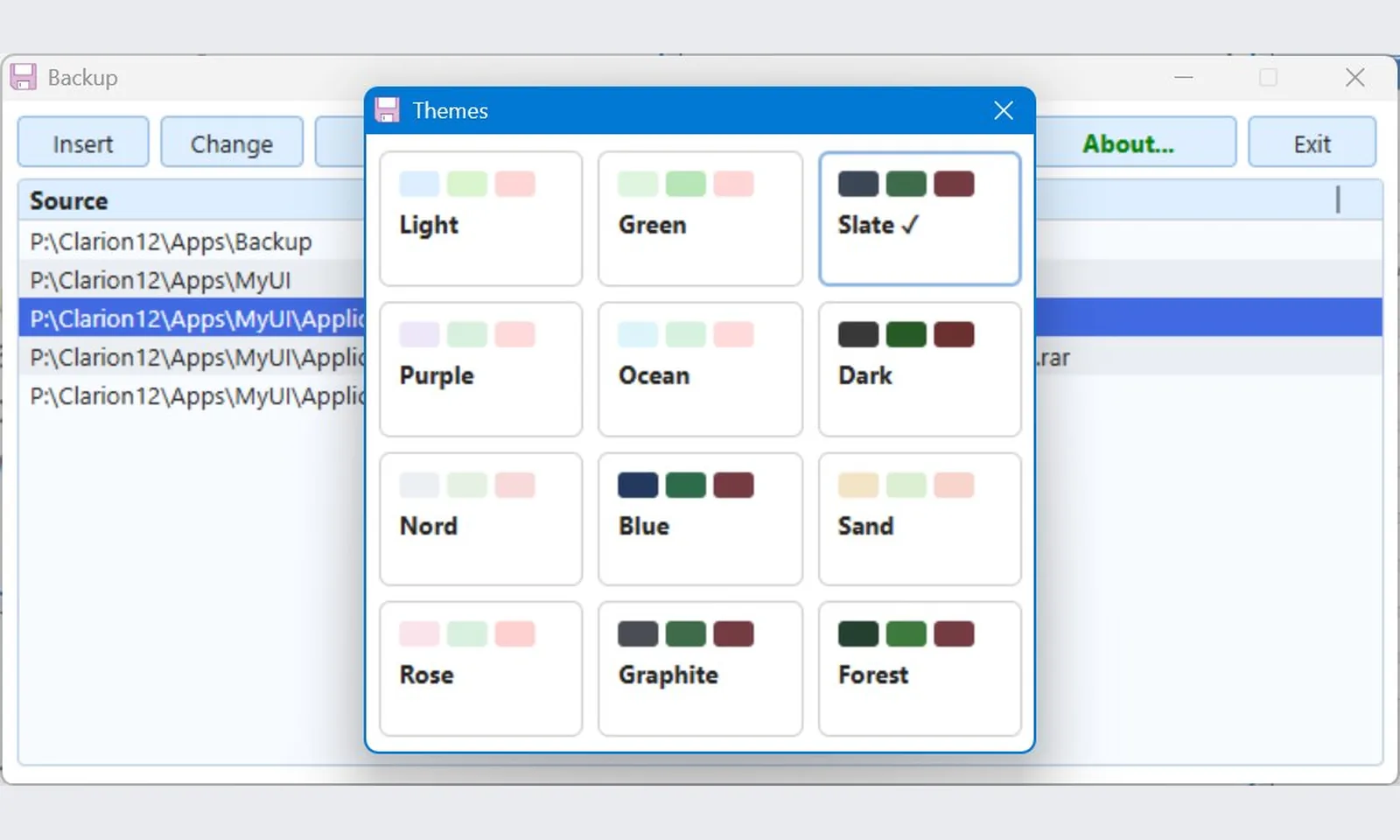
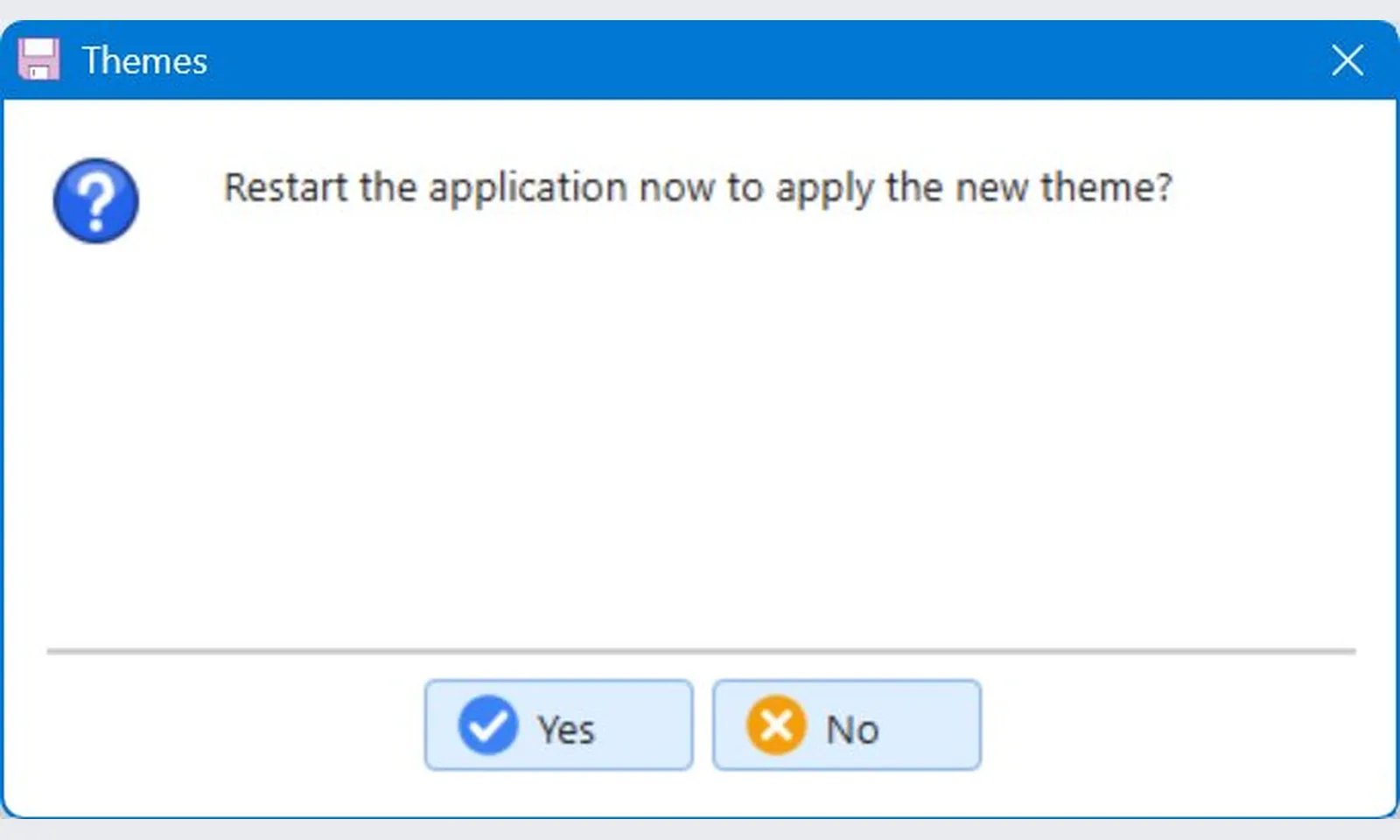
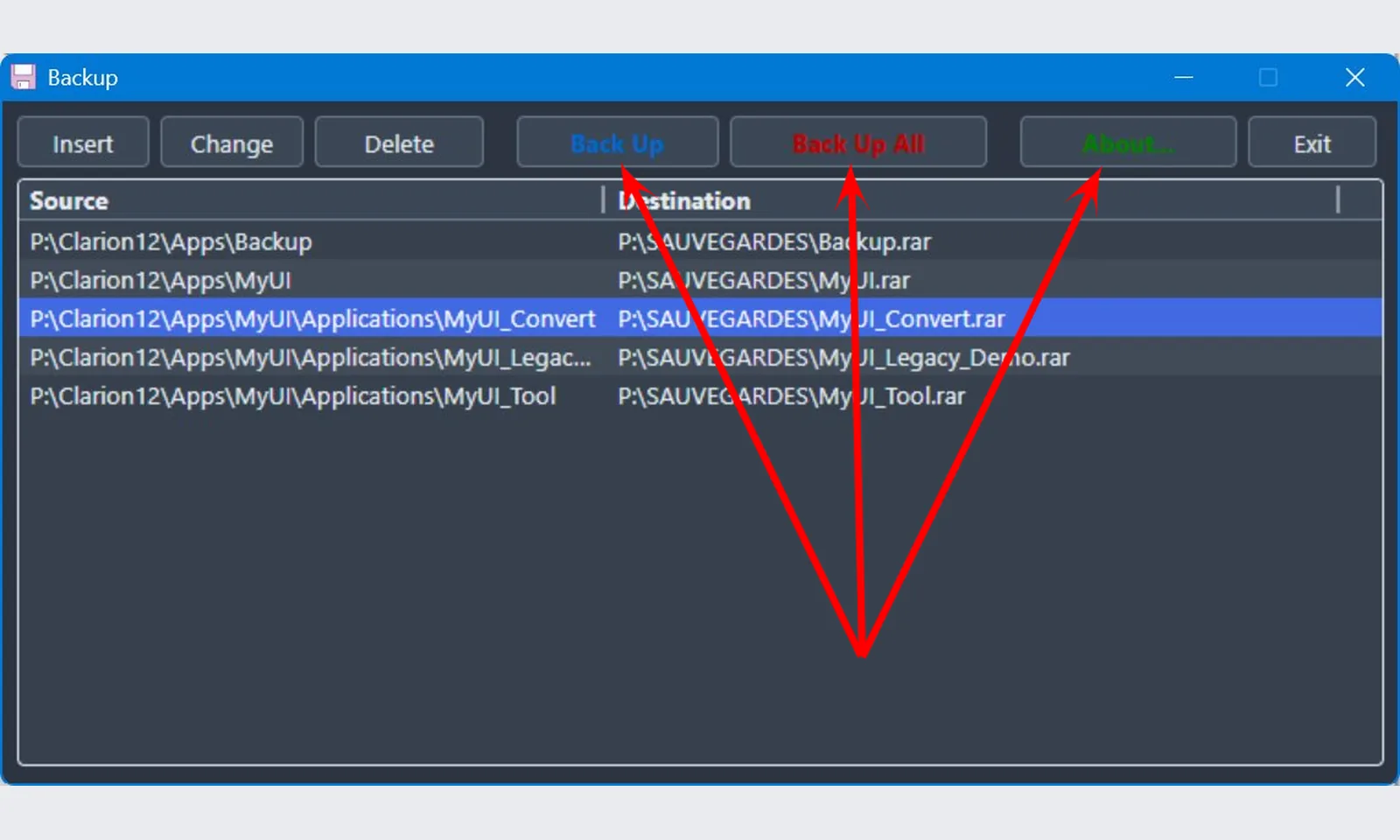
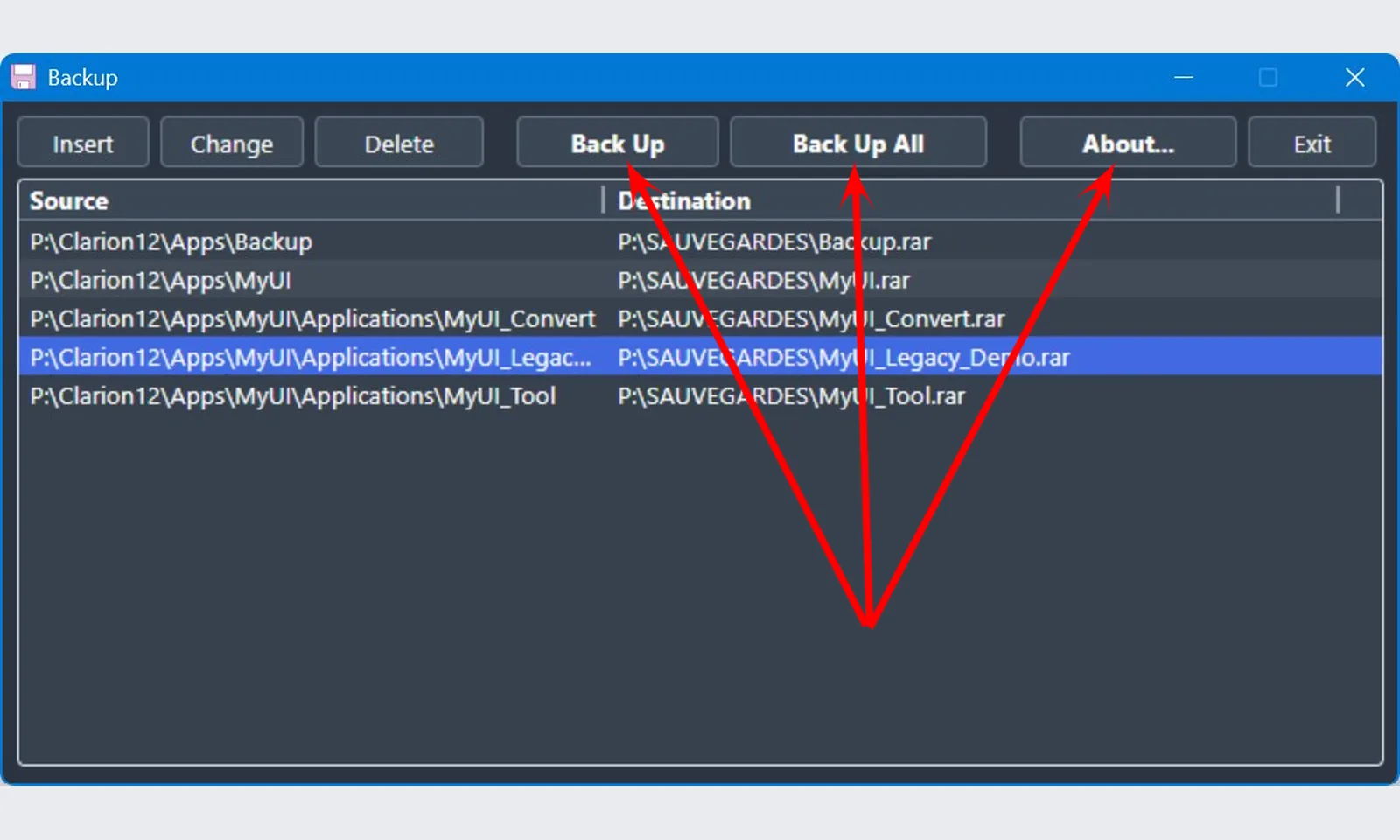
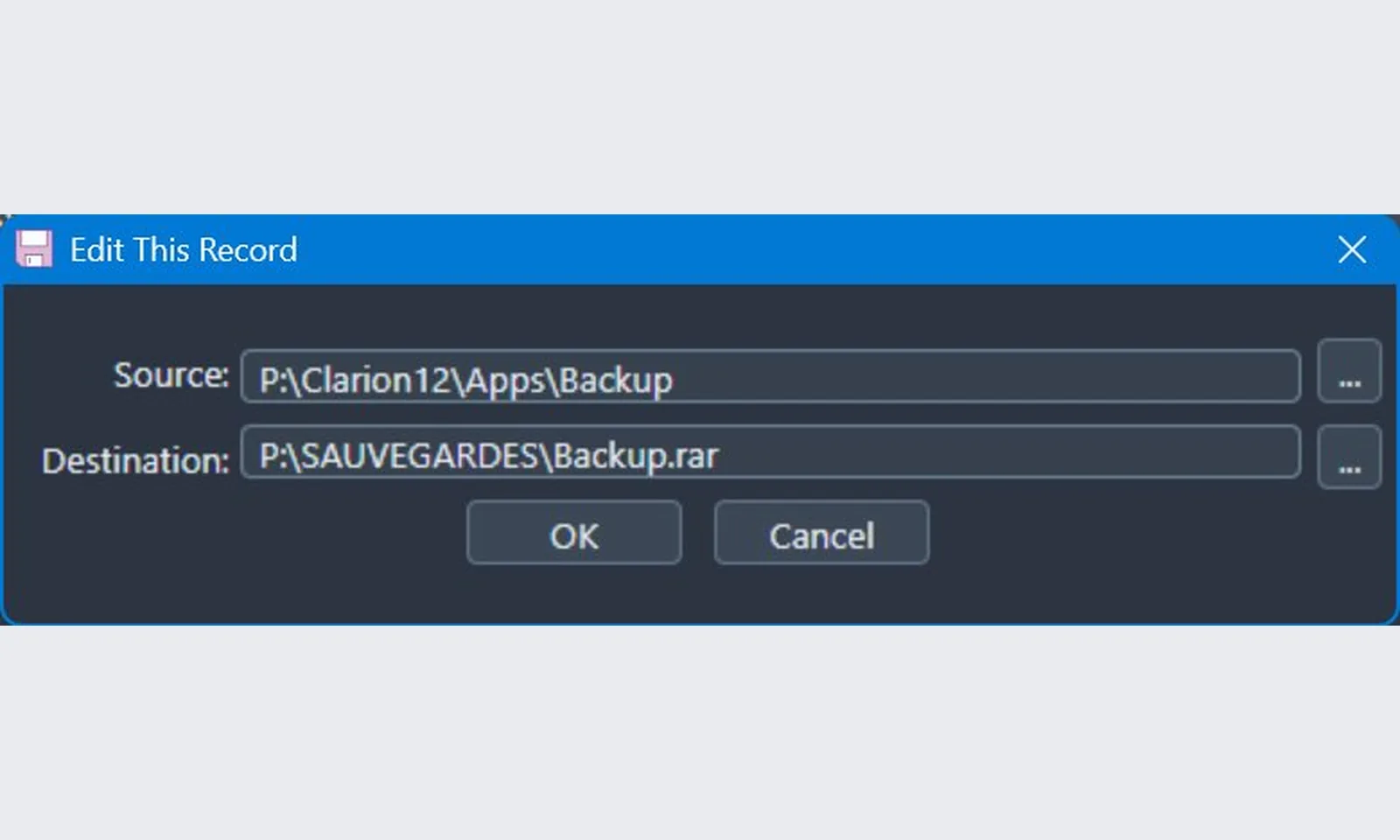
Screenshots of the demo, in Clarion mode and in MyUI mode.
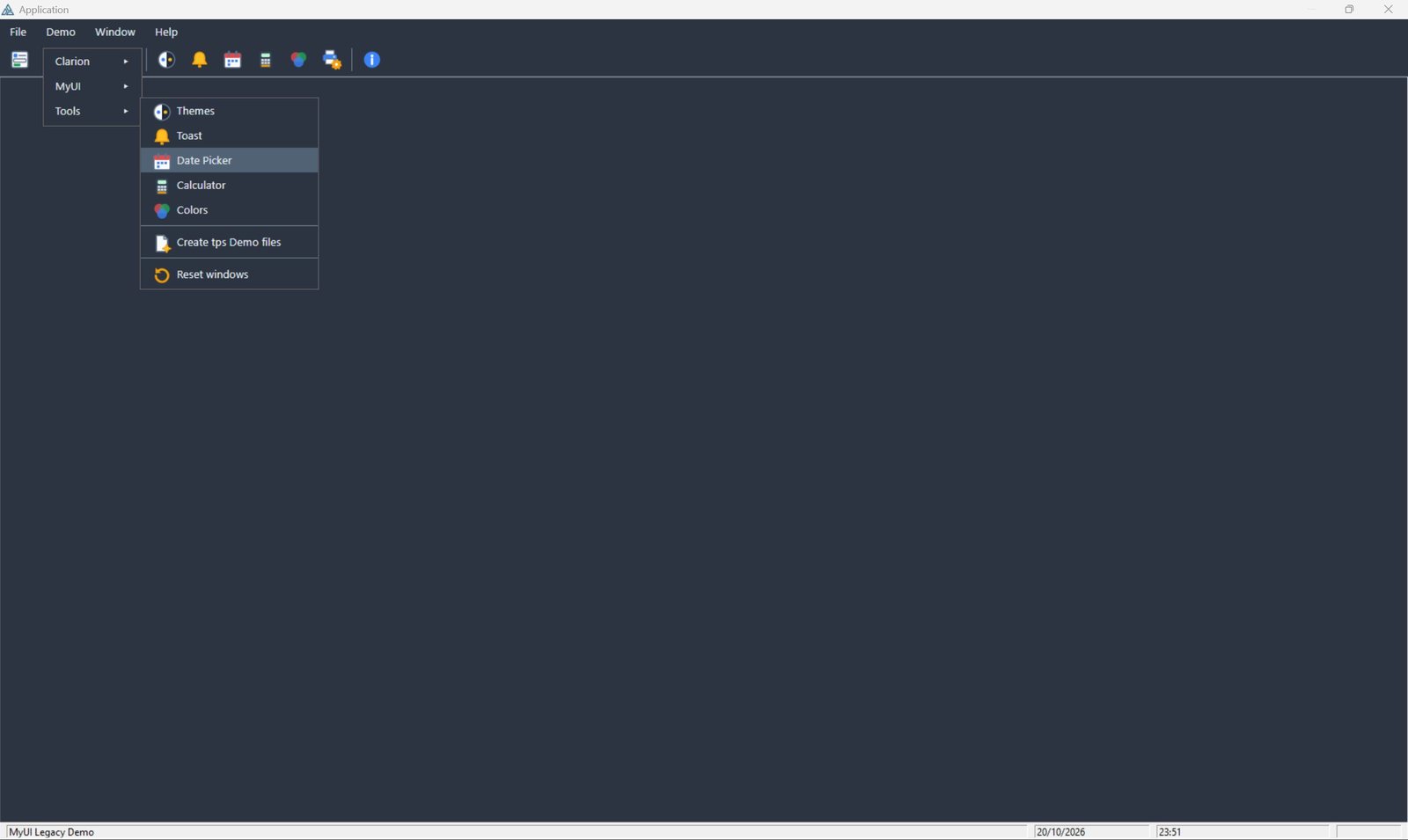
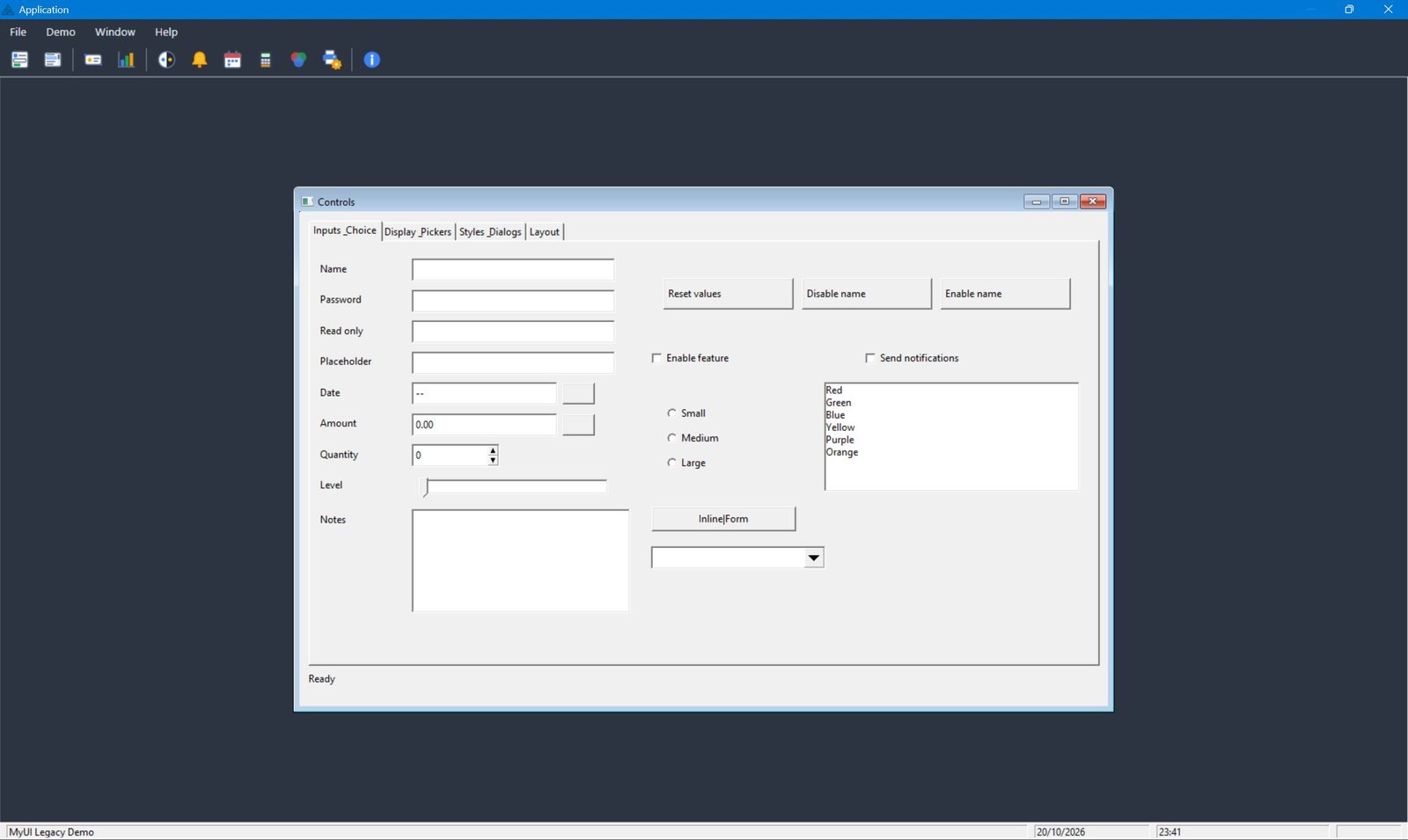
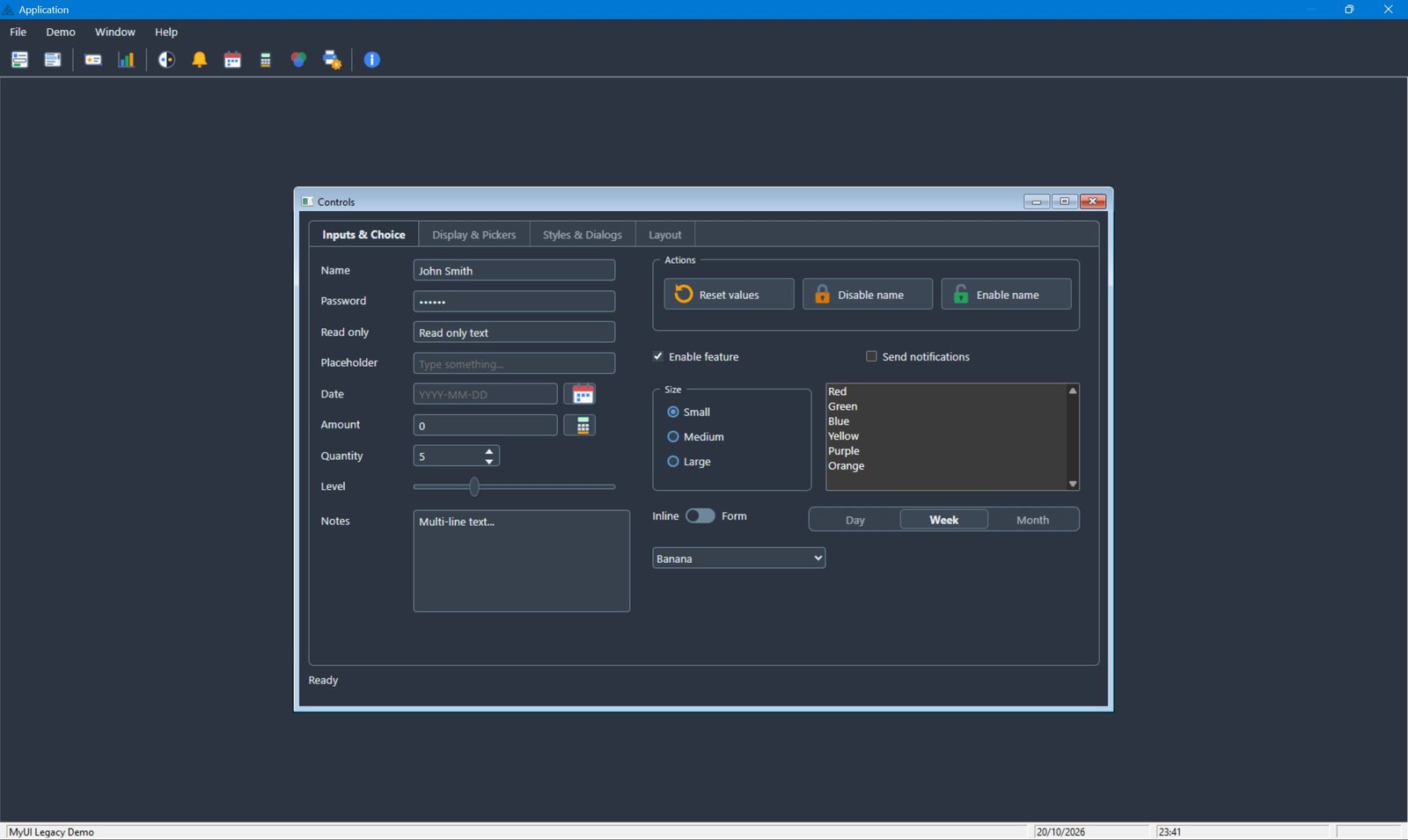
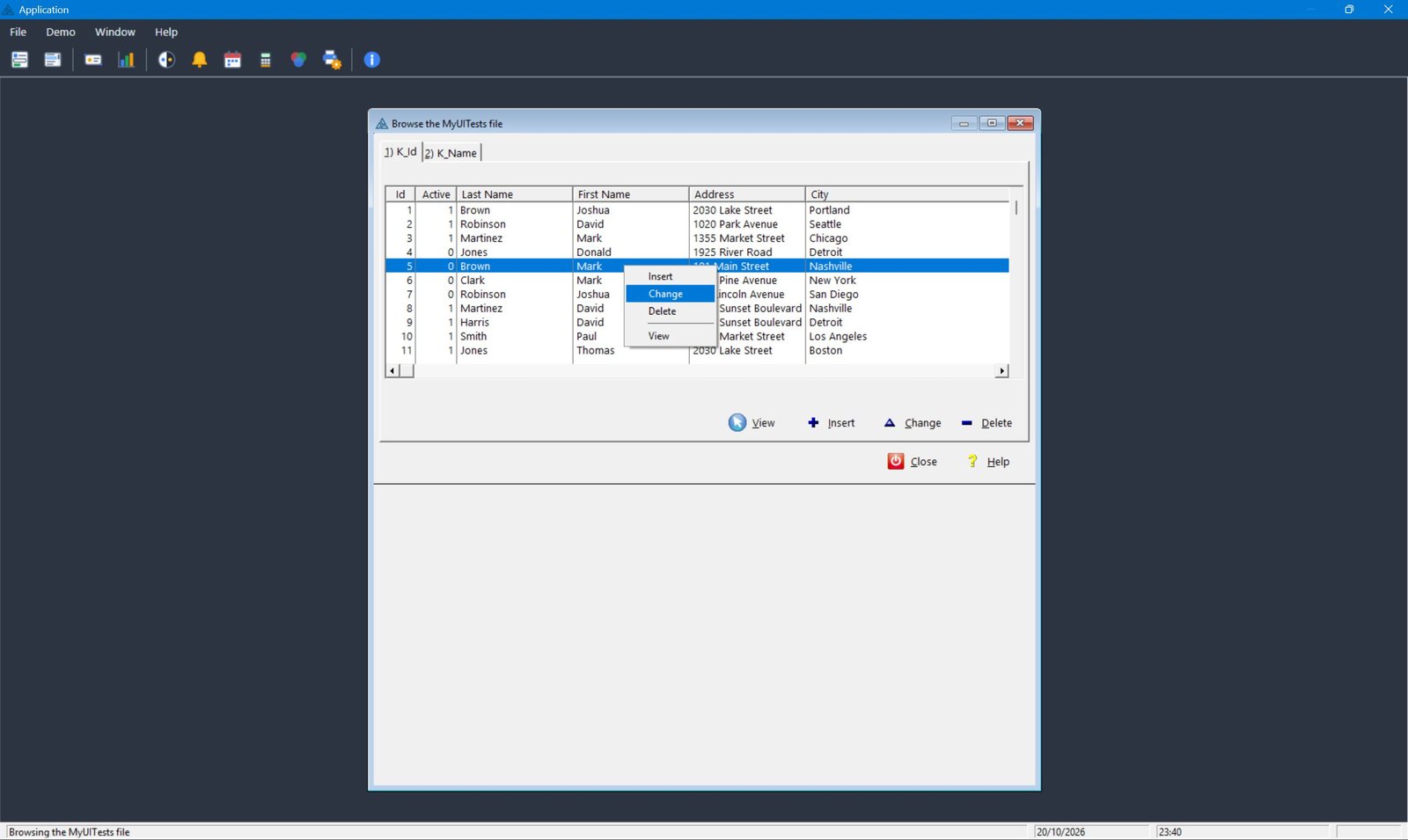
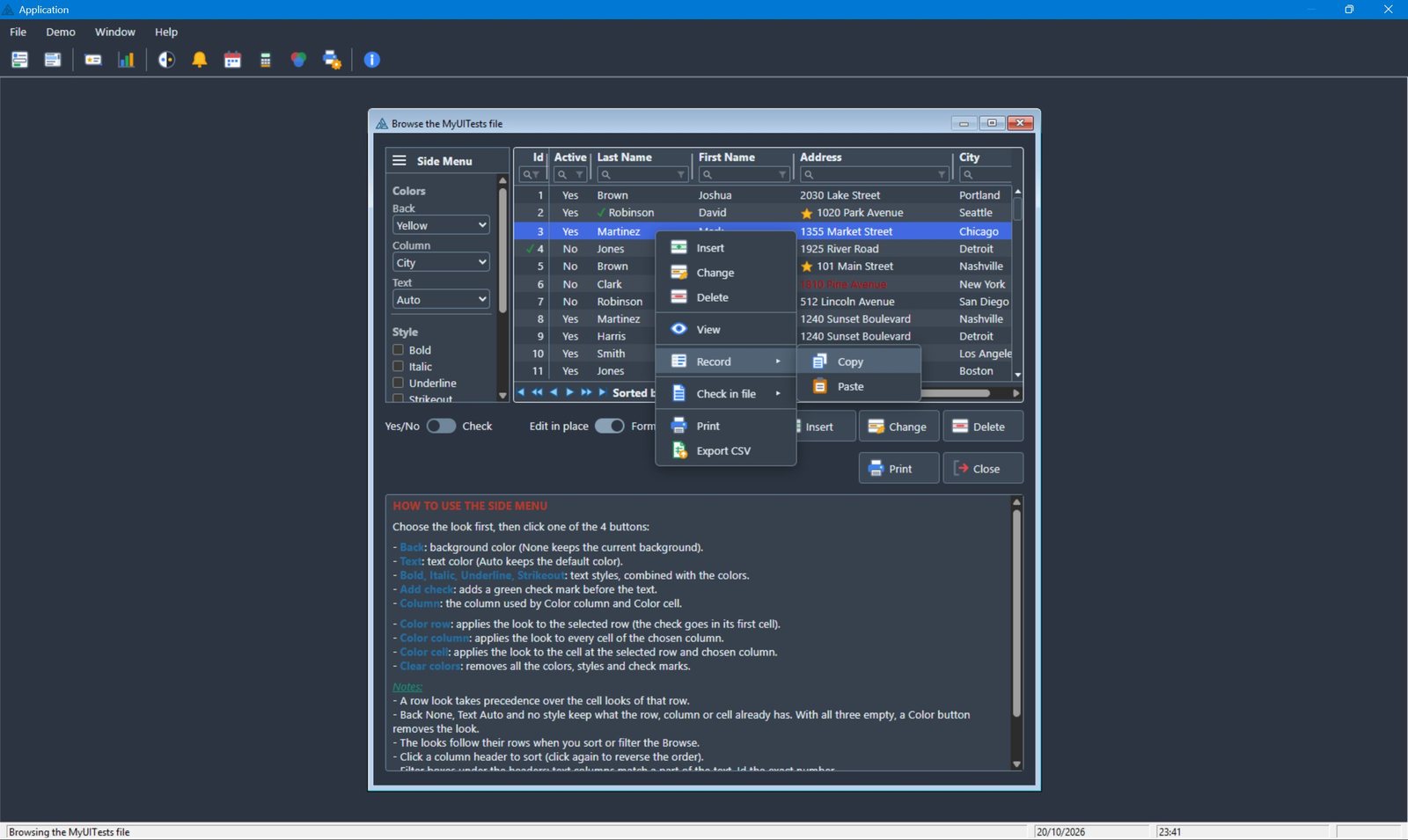
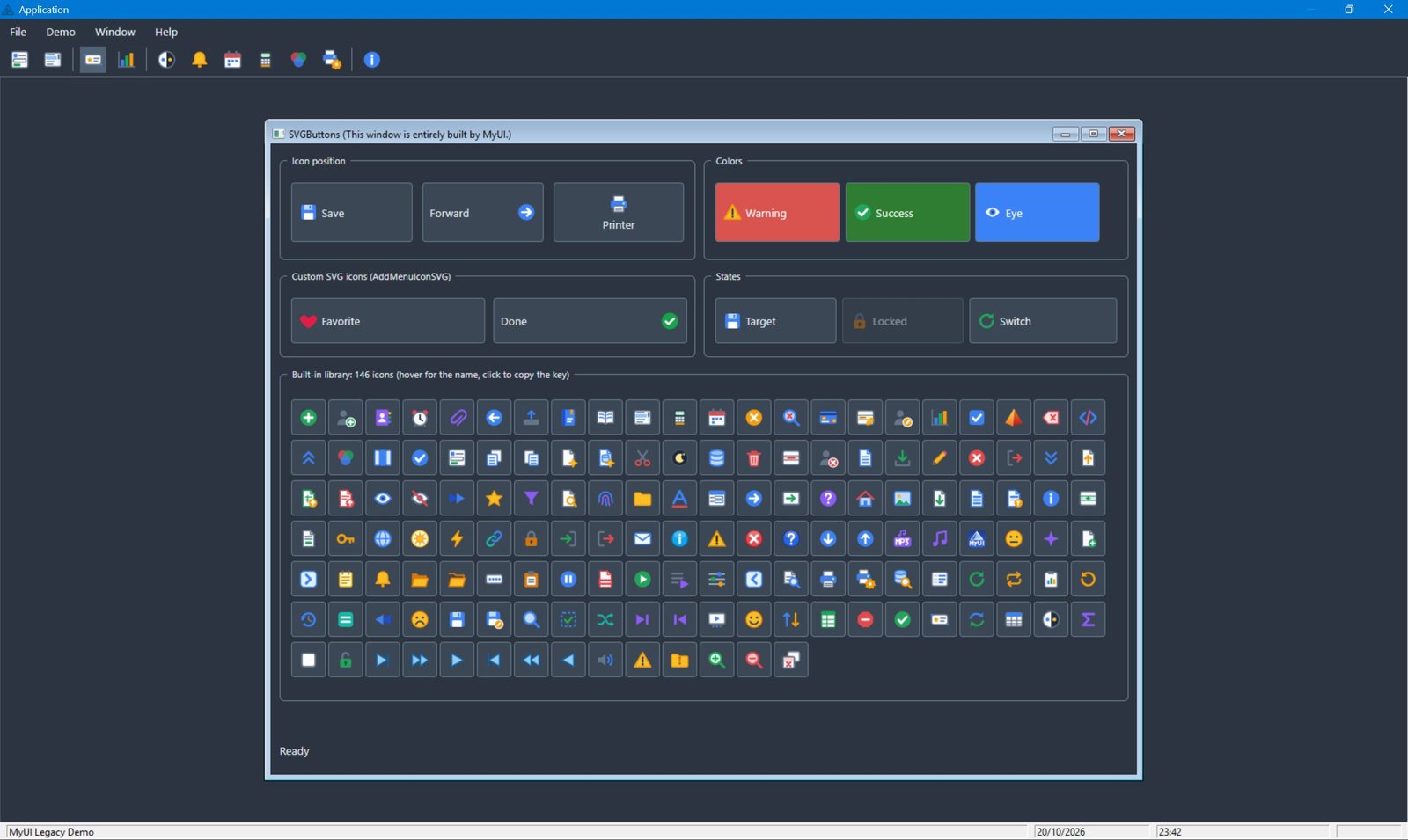
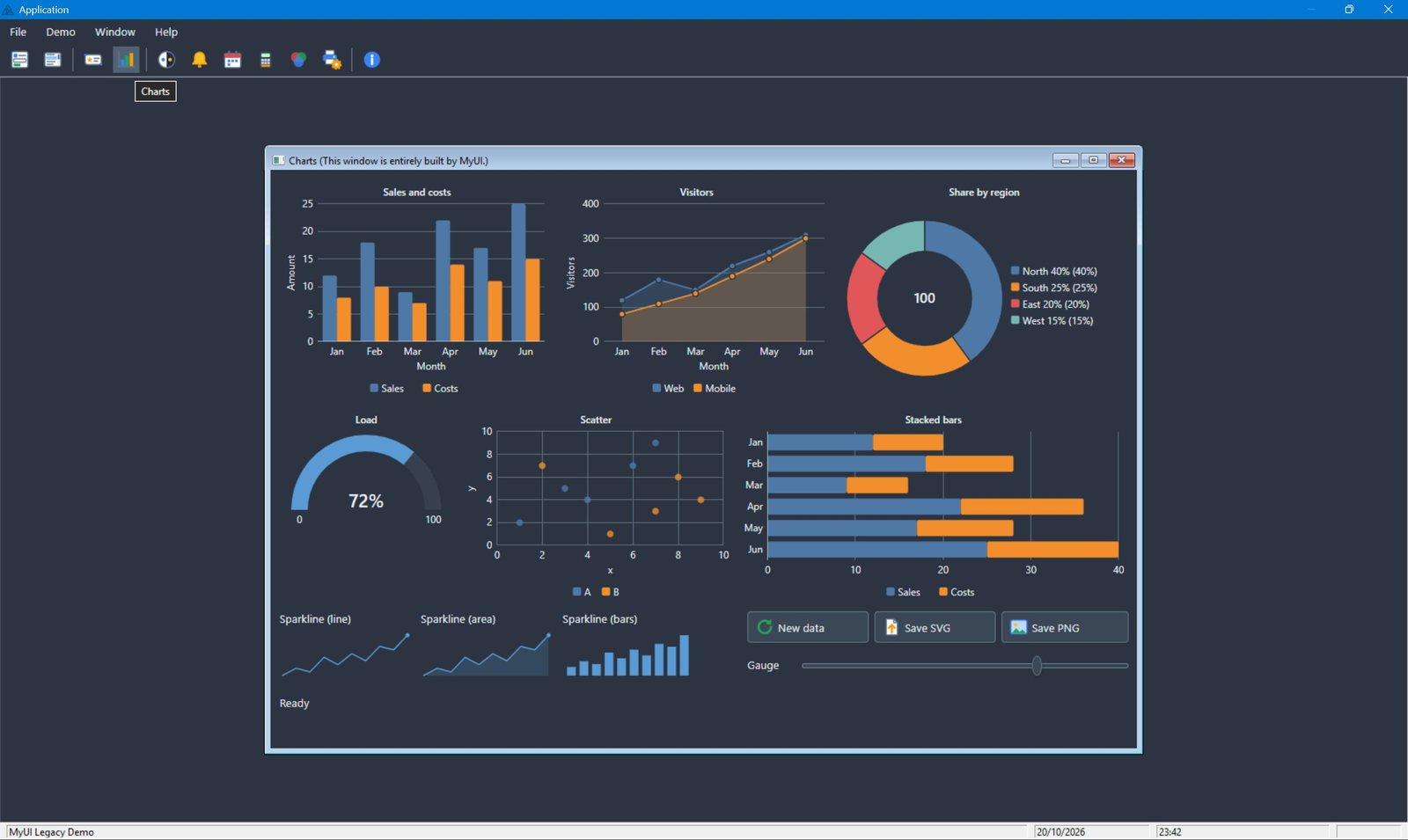
Modern web, without leaving Clarion.
HTML, CSS and JavaScript
Modern rendering inside a Clarion window, powered by Ingasoft's EasyEdgeChromium control, built on WebView2.
Your logic stays in Clarion
Events, data access and business rules stay in your procedures. Nothing to rewrite on the server side.
Familiar conventions
Positioning in DLU, AddXxx() methods and CASE pEventName events, just like native controls.
Free, for the Legacy template
A freely available class, designed to fit into existing Clarion applications that use the Legacy template.
Three steps, no disruption.
Add the class
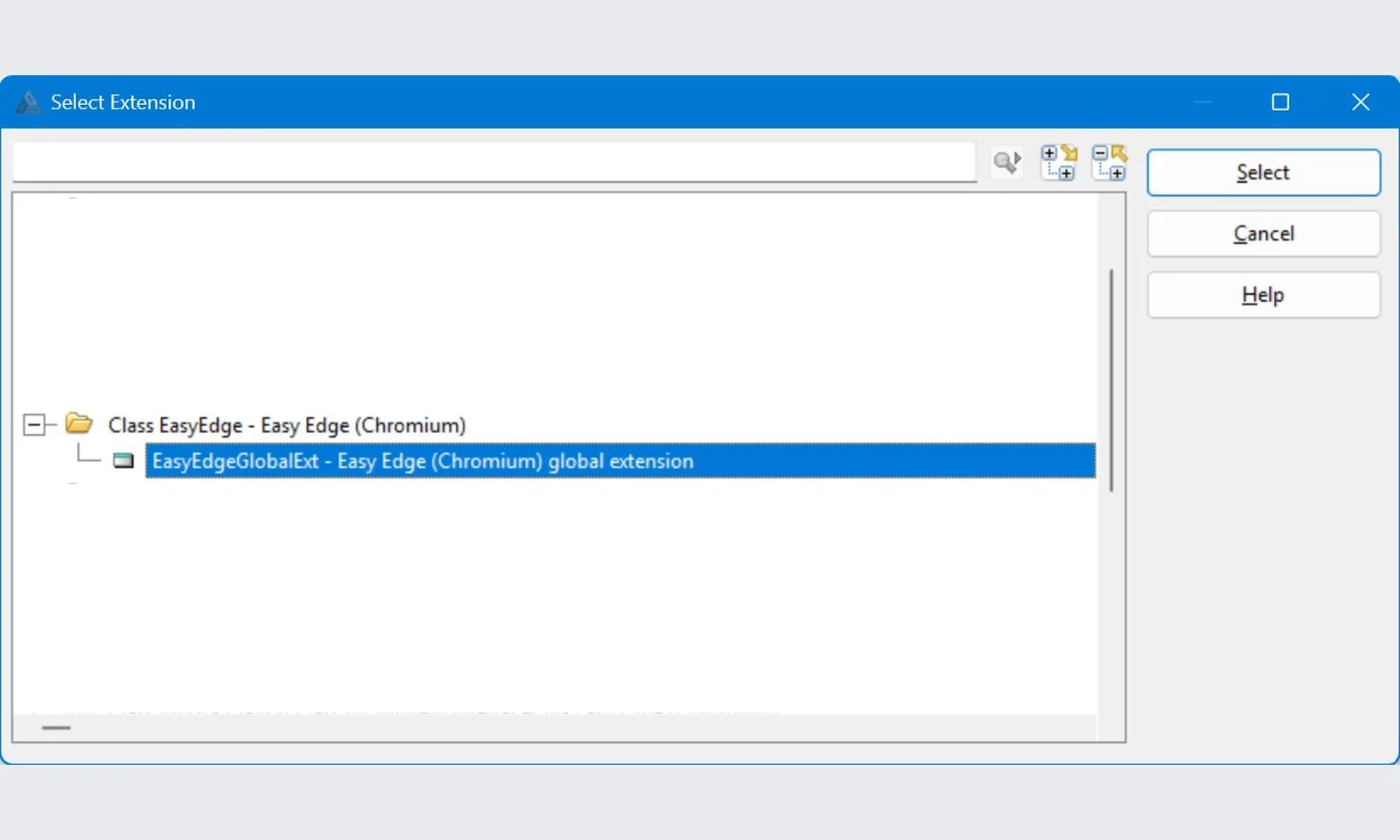
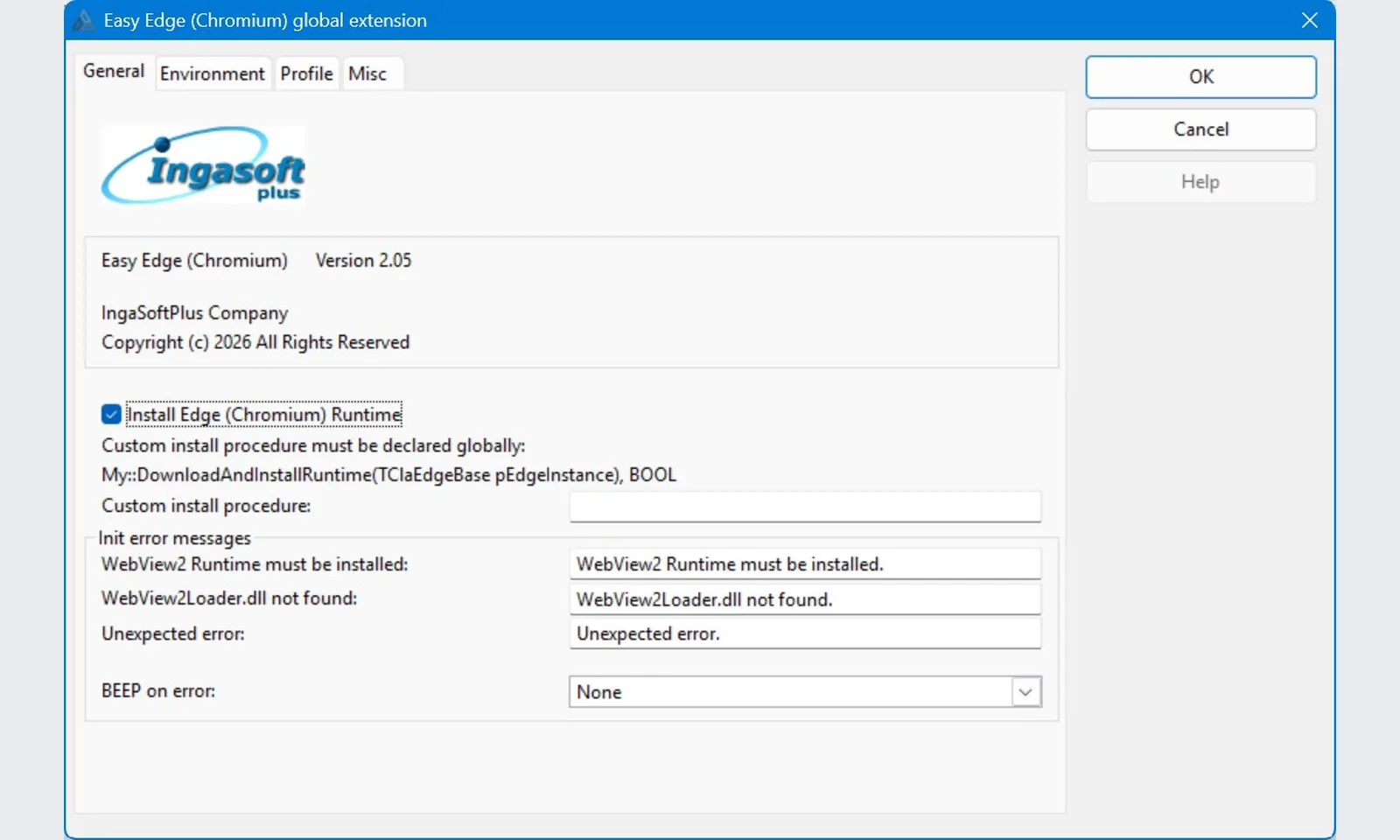
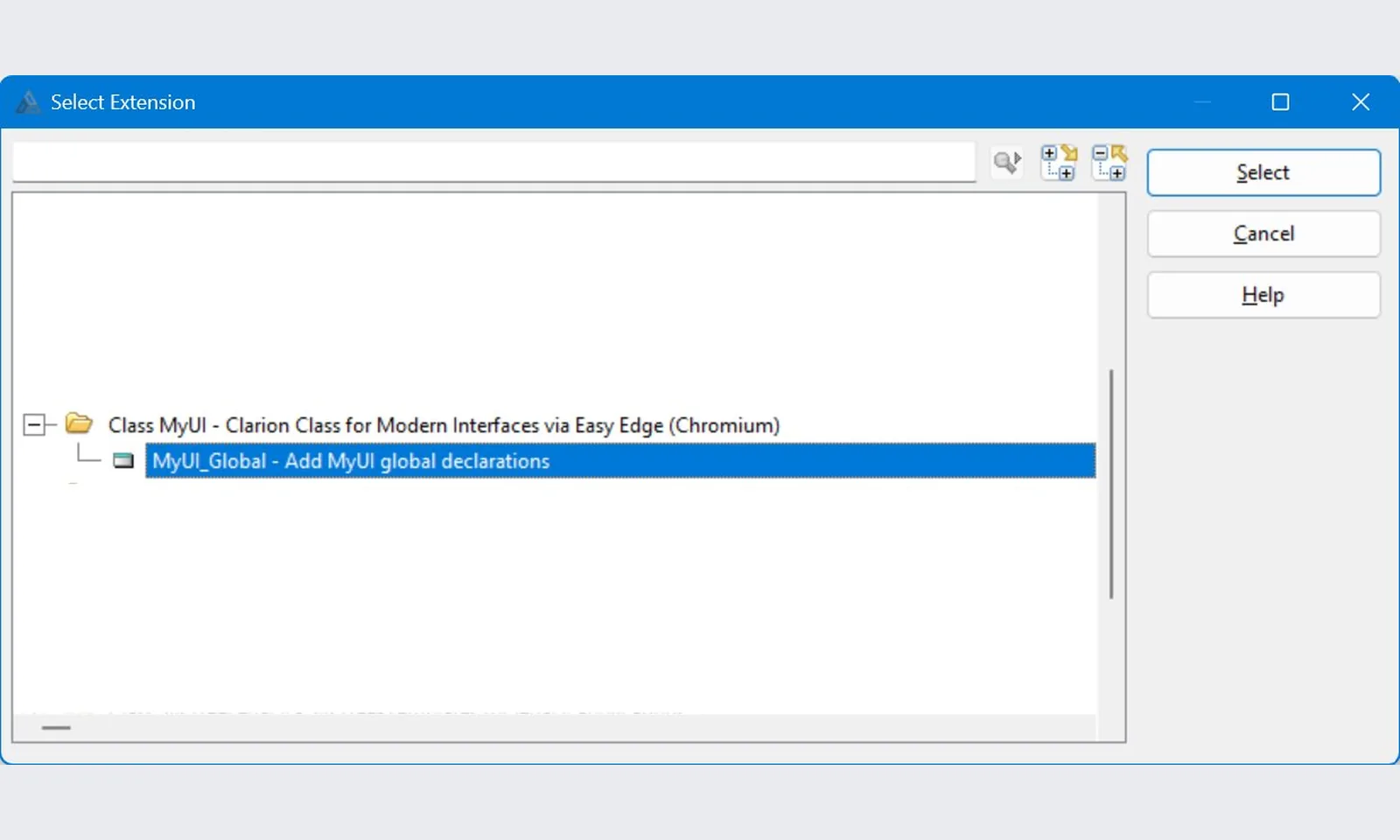
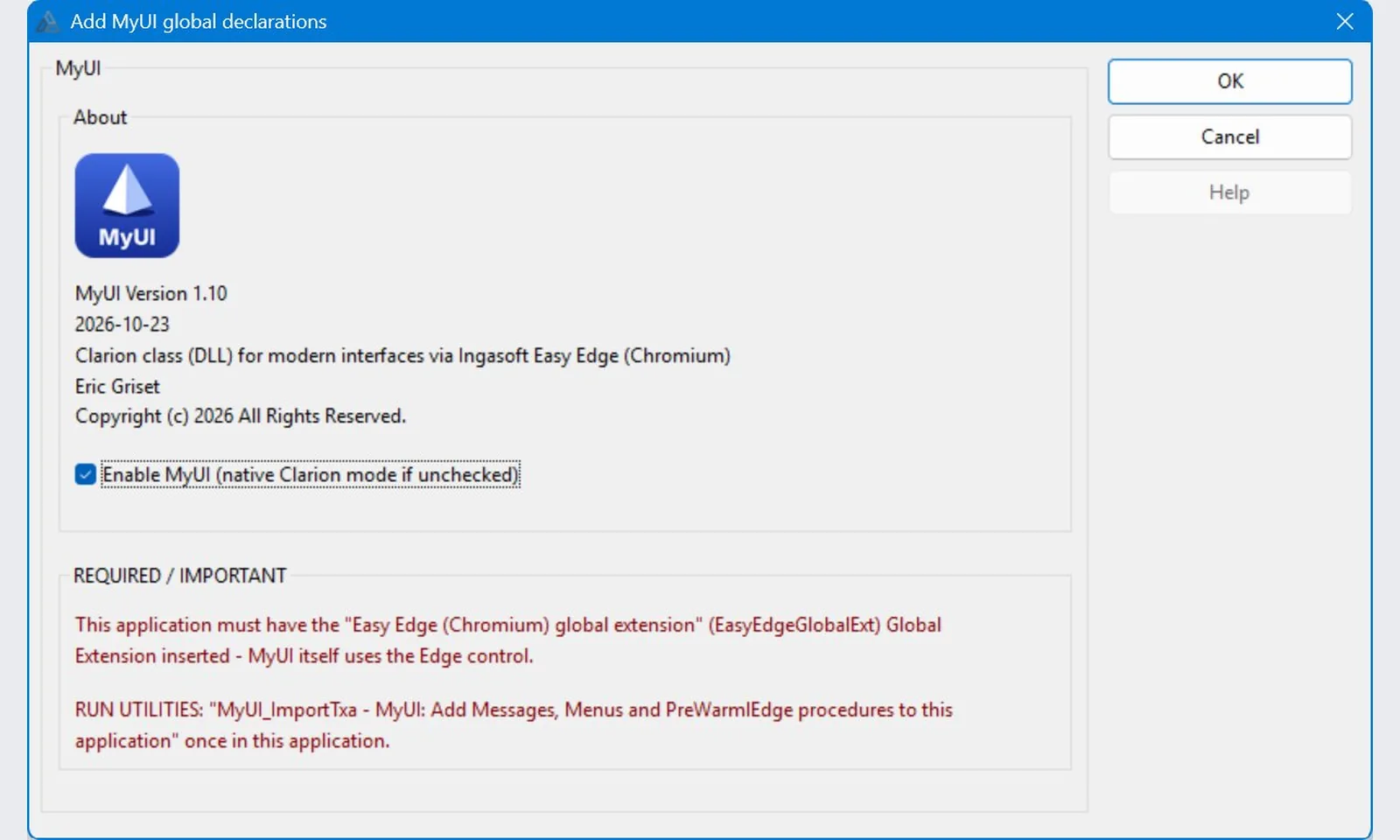
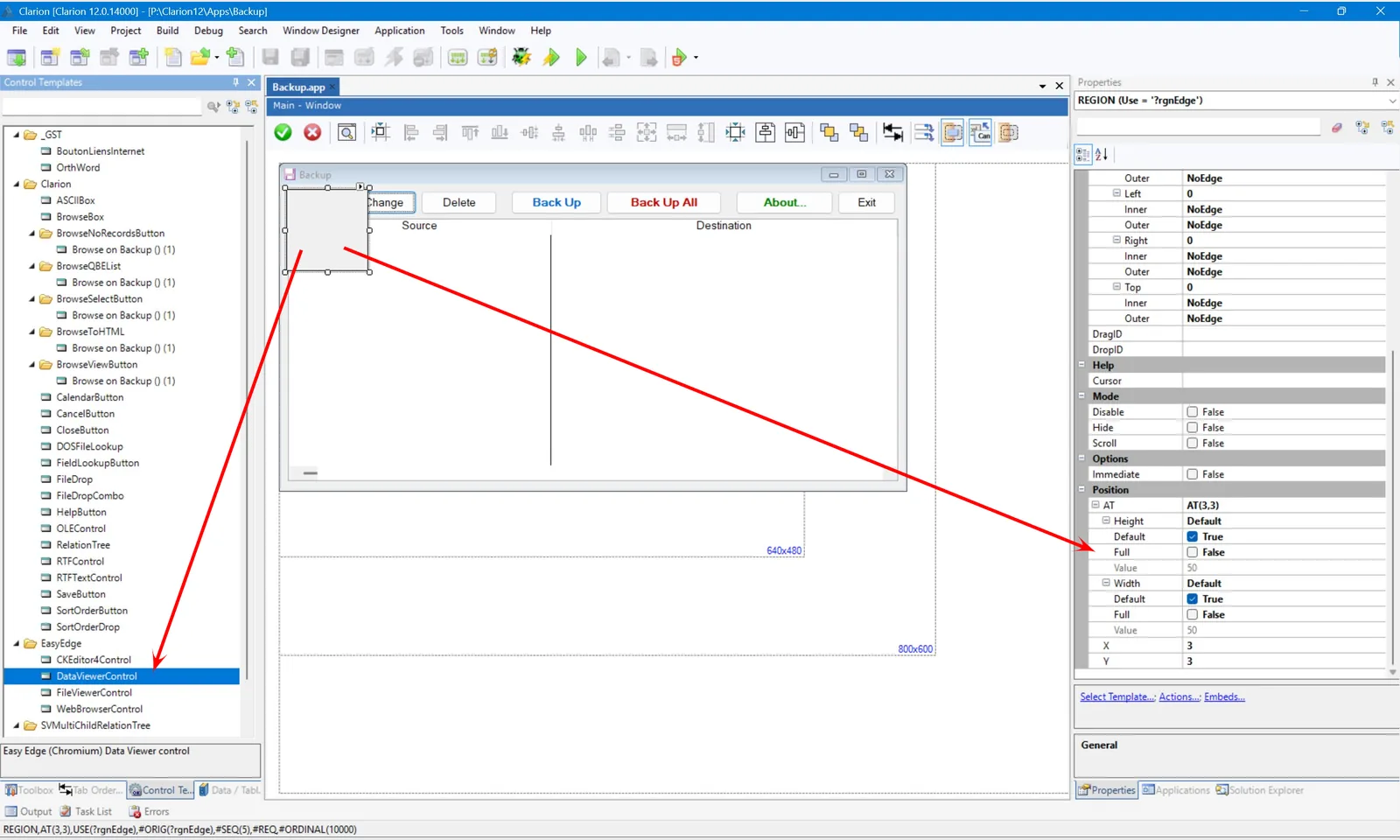
Integrate MyUI into your Clarion Legacy application, with the EasyEdgeChromium control on the window.
Describe the interface
Call the AddXxx() methods to place your elements, then let MyUI generate the HTML.
Keep your Clarion code
Handle page events in a CASE pEventName, just as you already do.
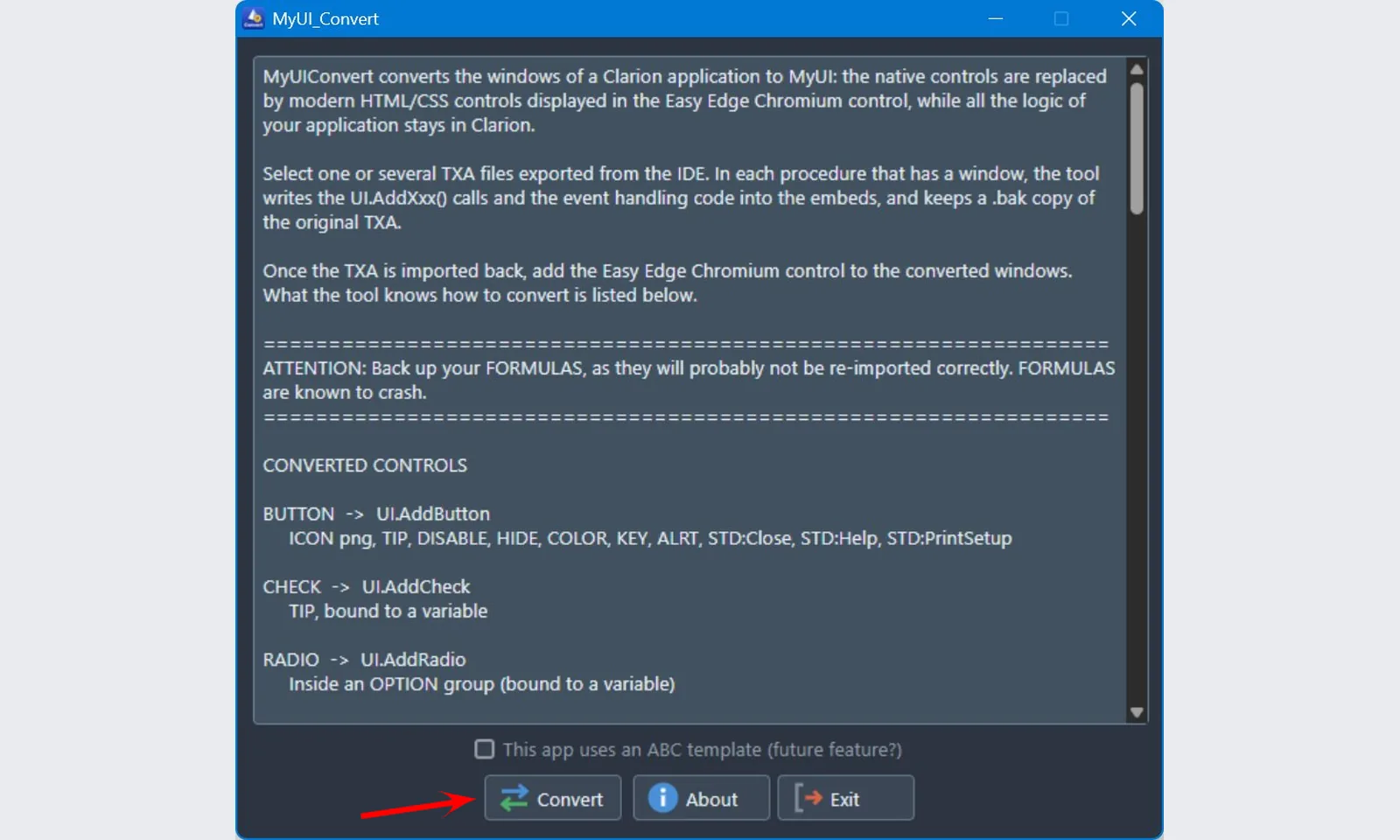
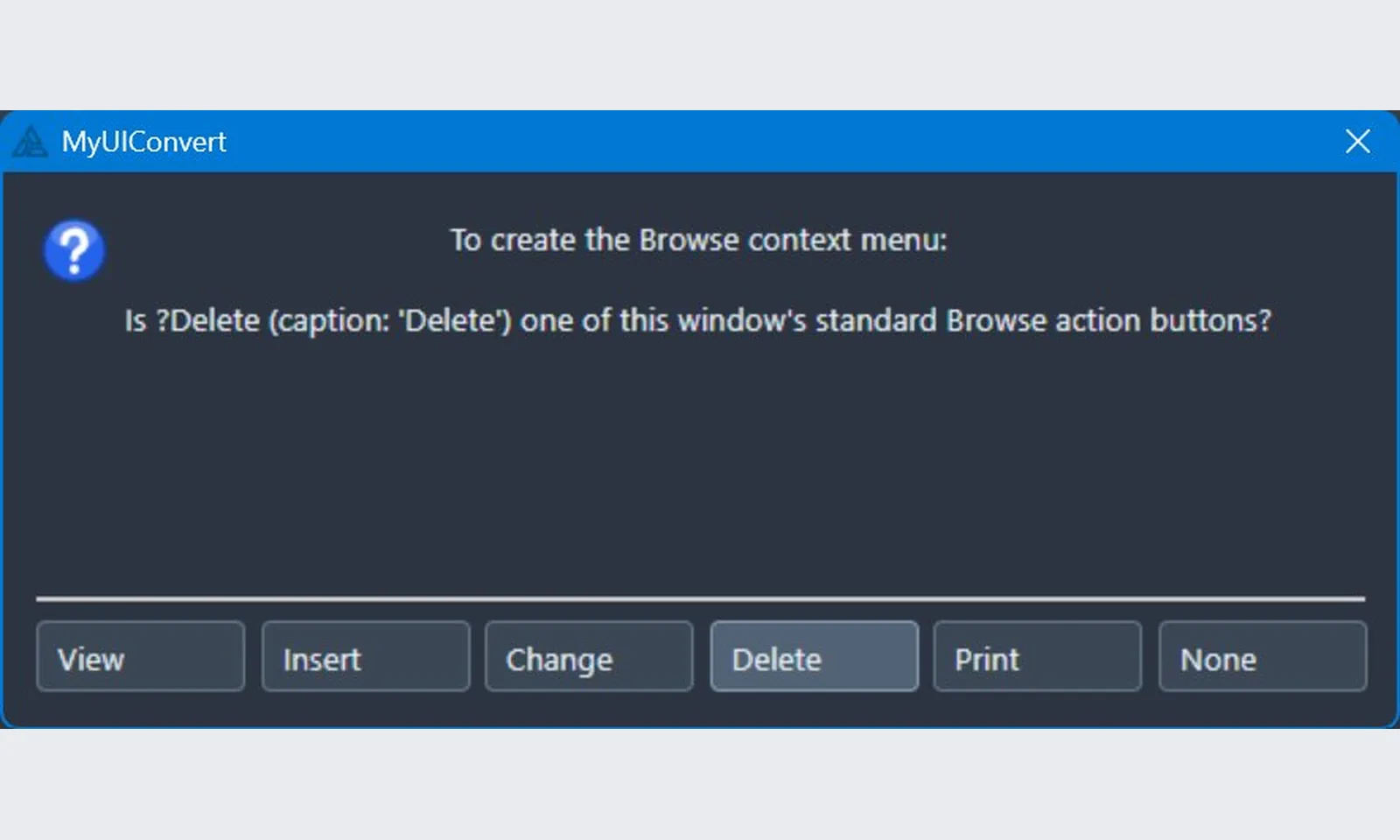
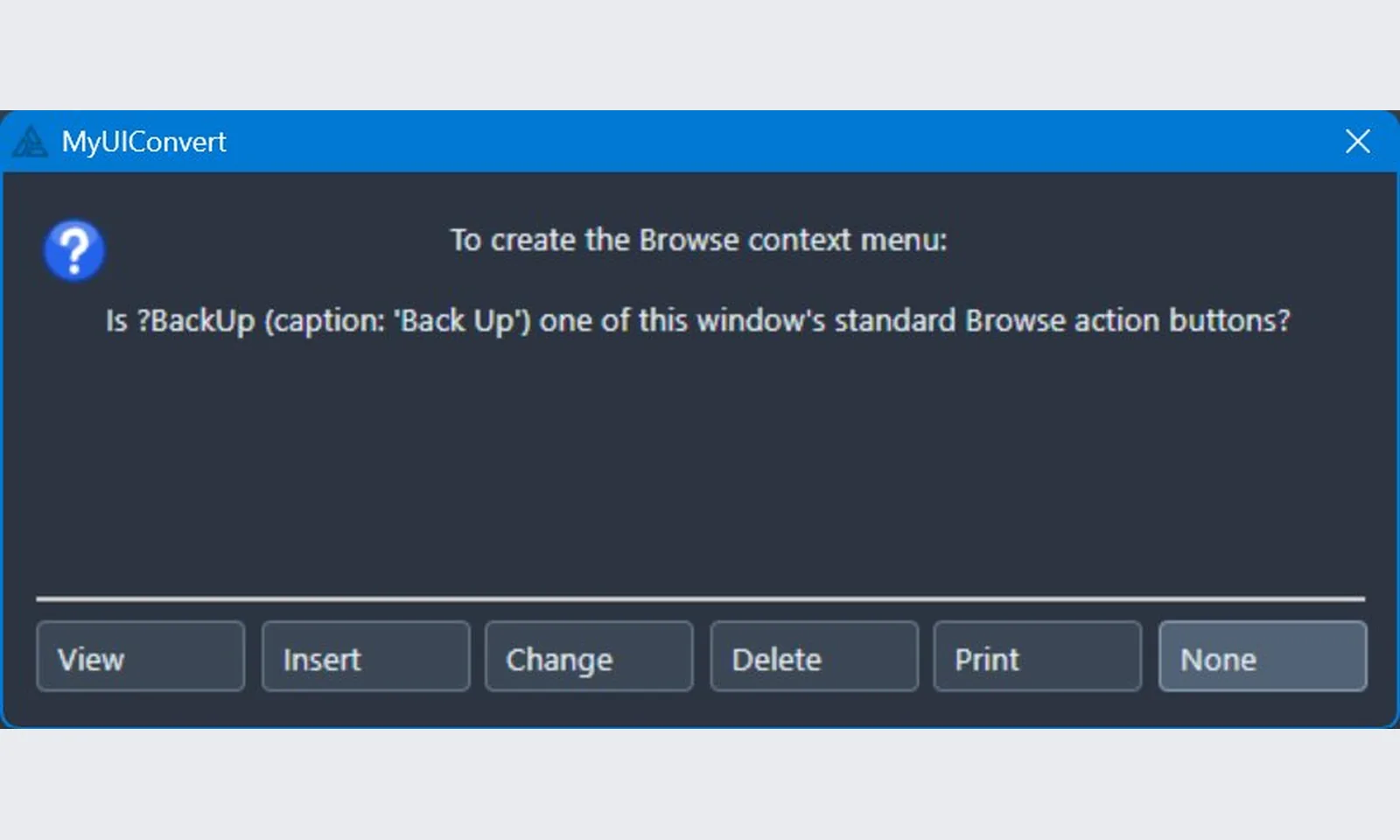
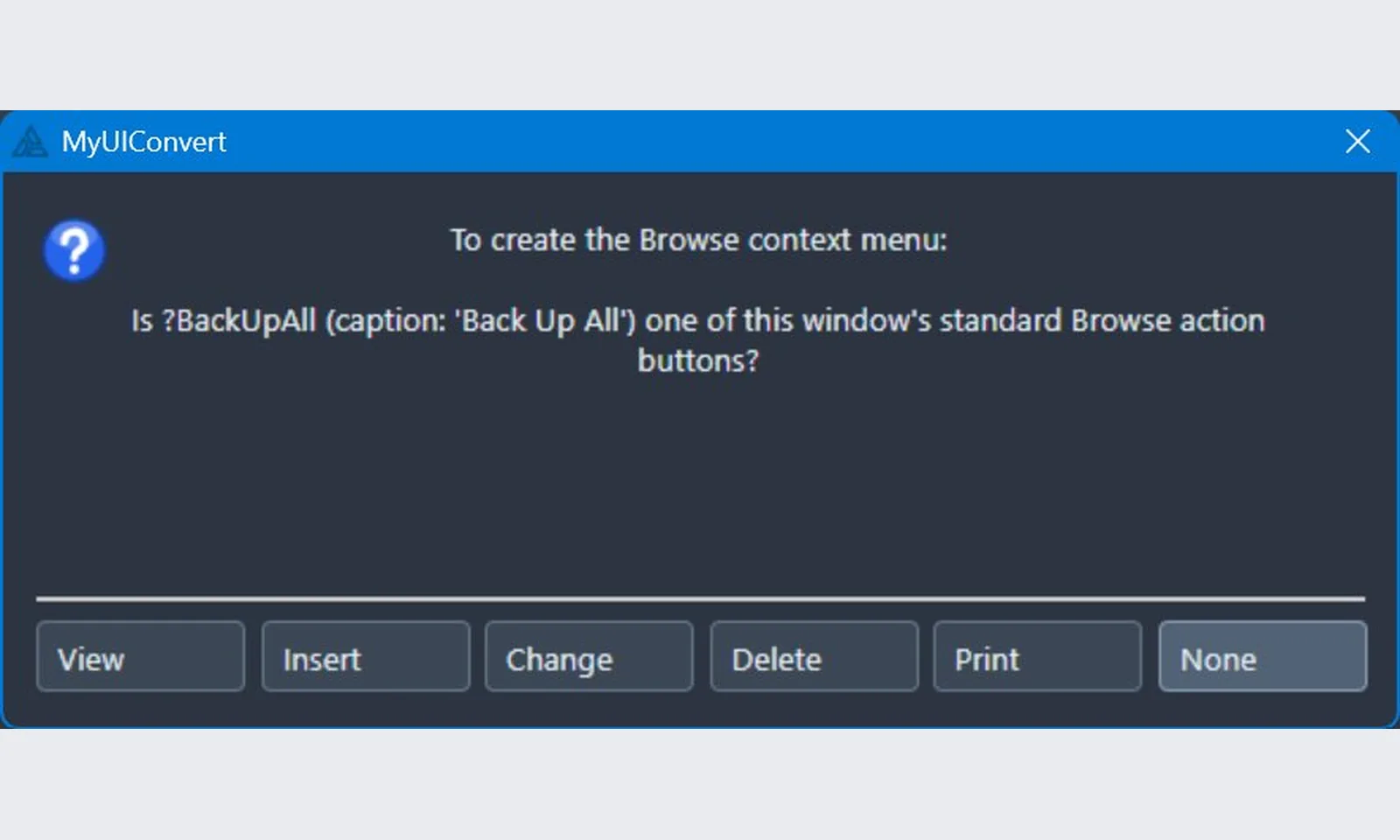
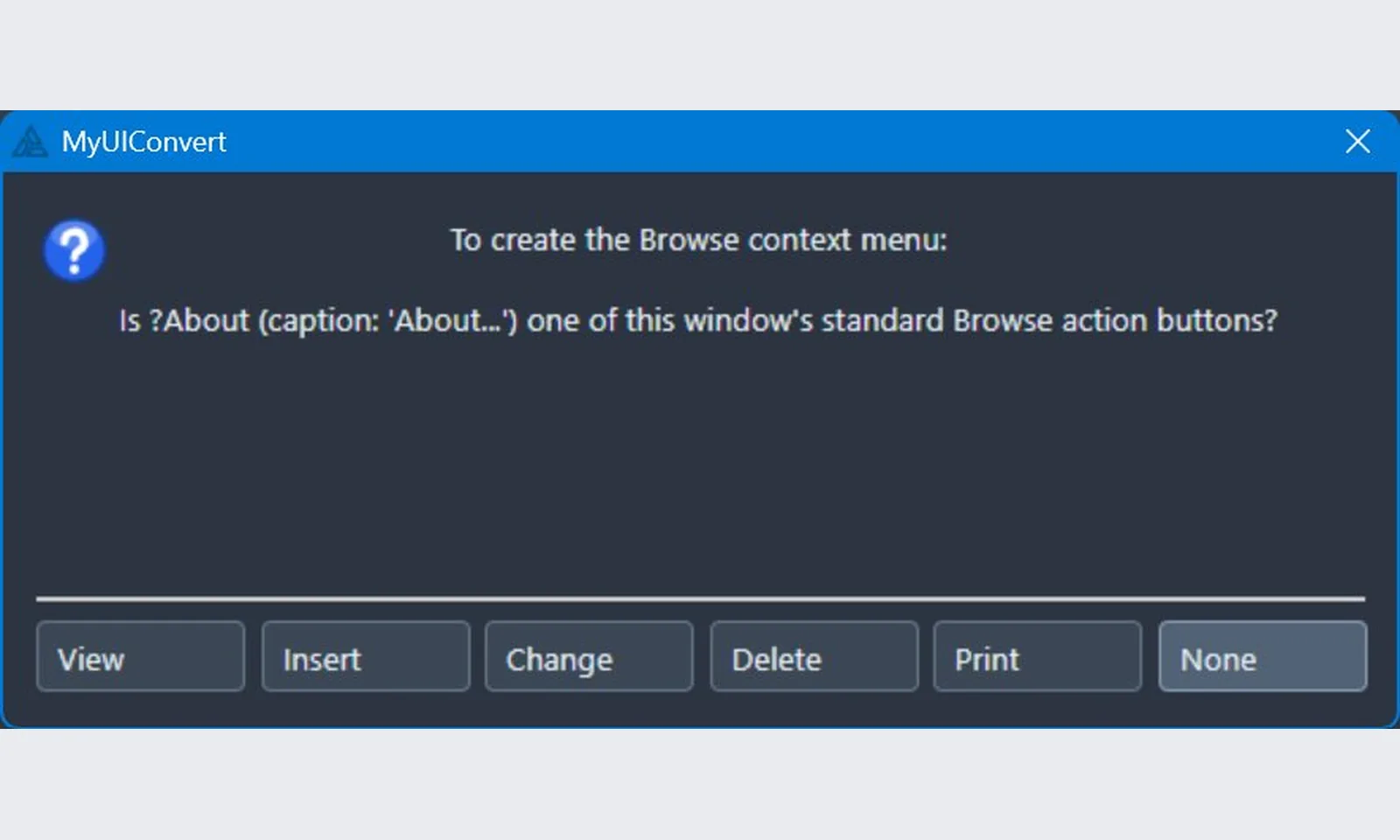
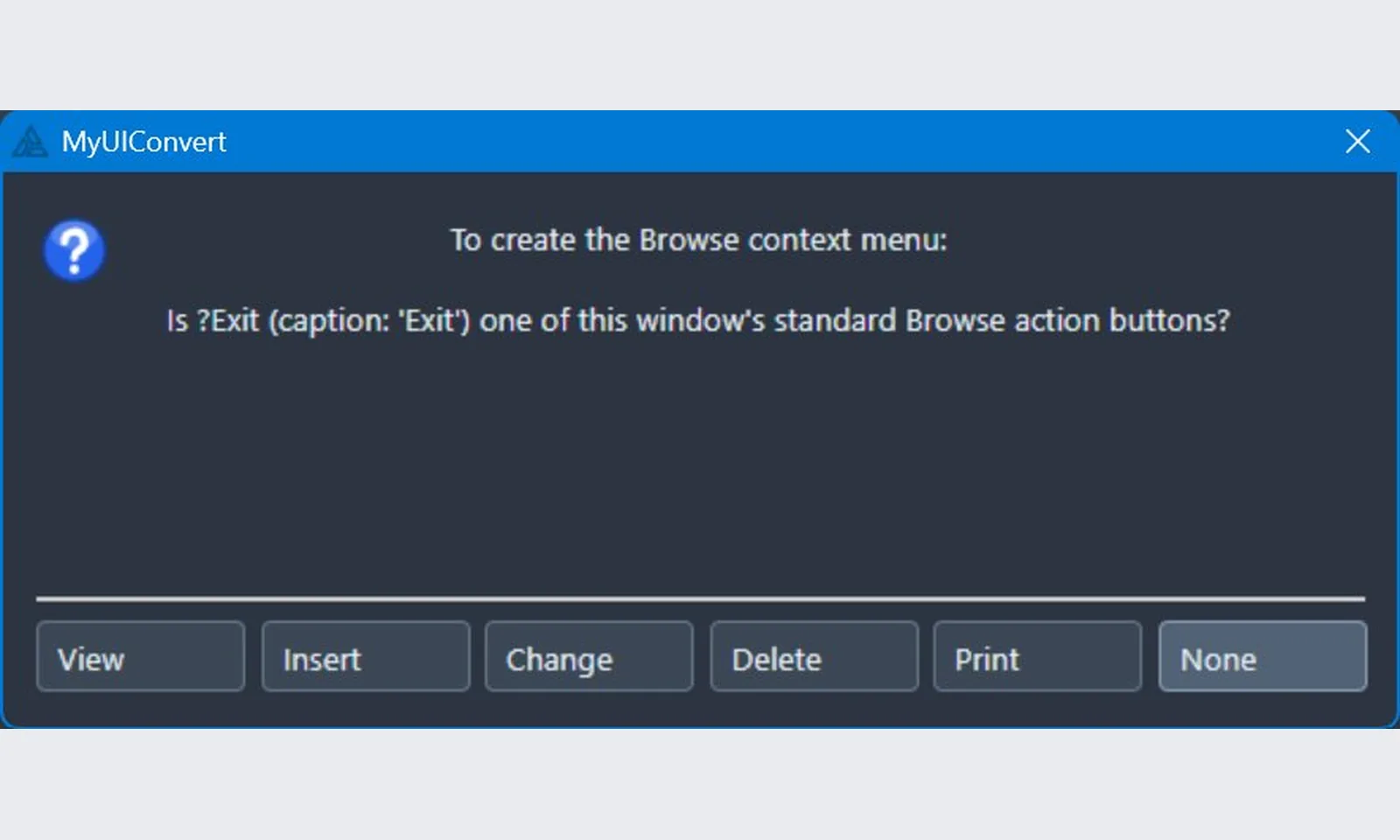
Start from your existing windows with MyUIConvert.
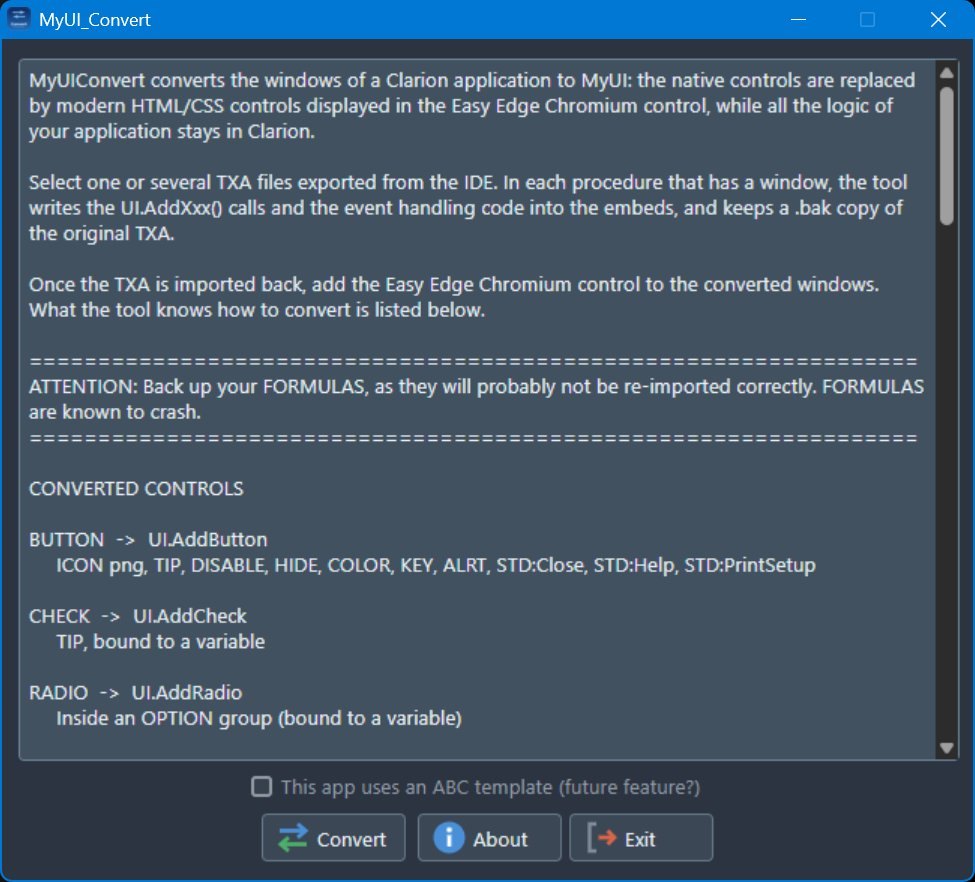
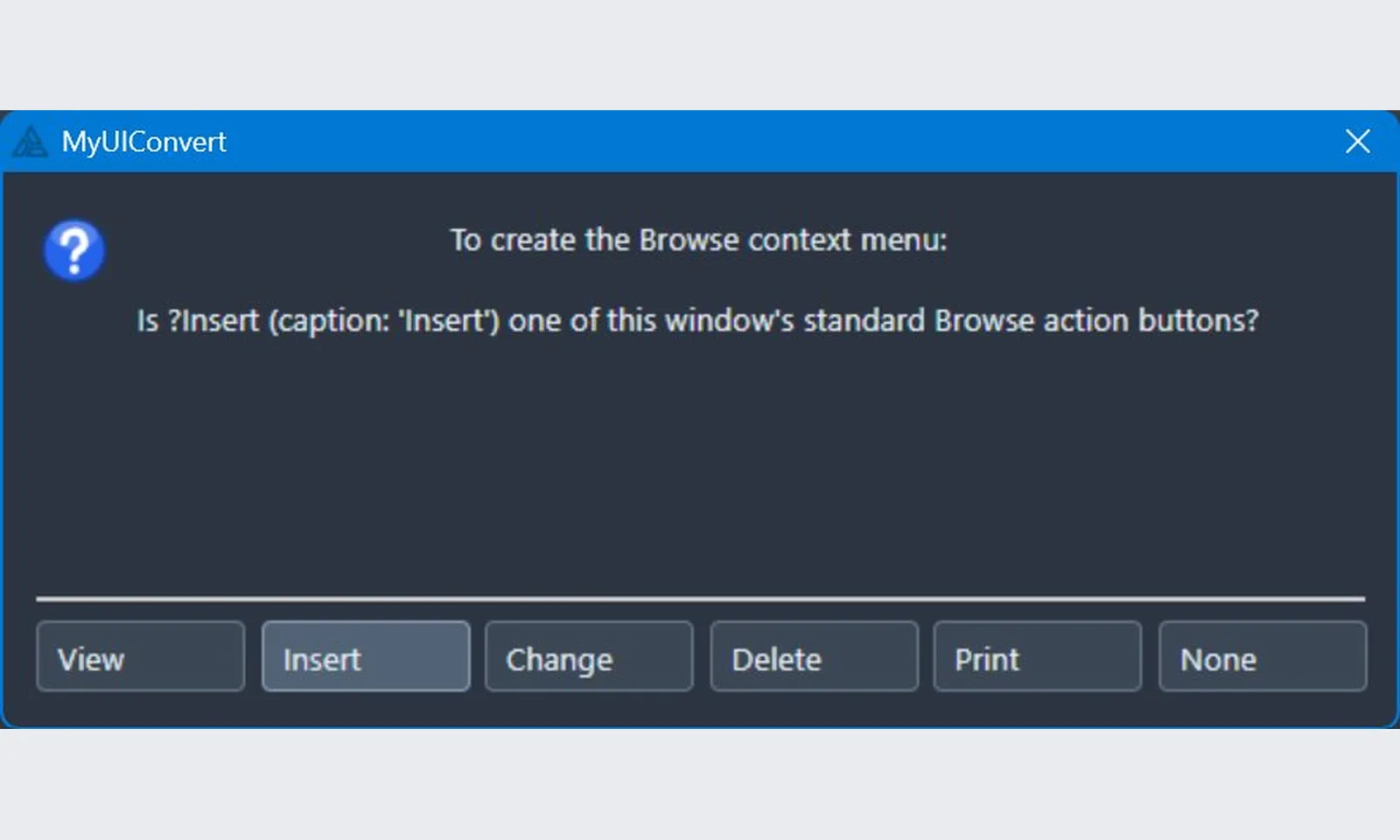
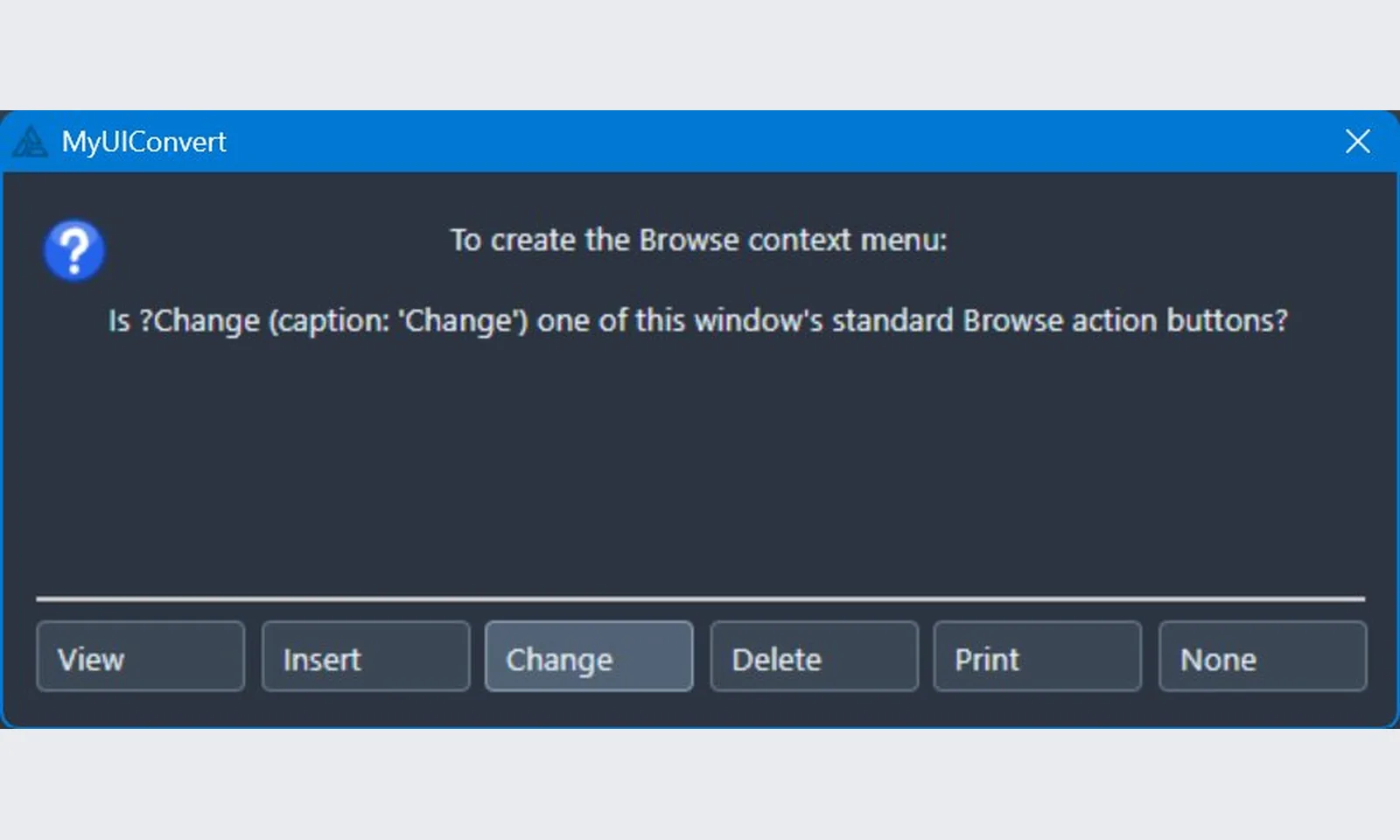
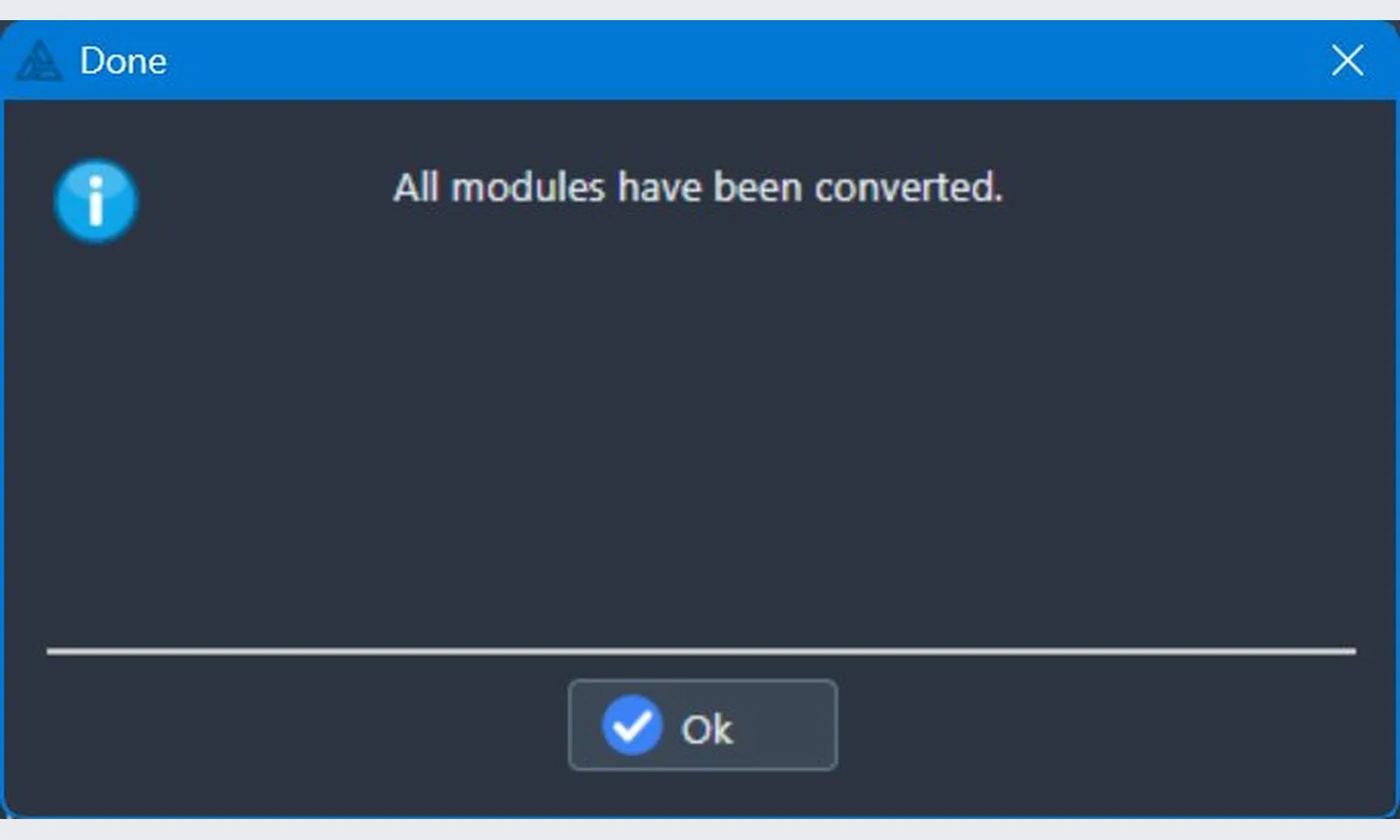
MyUIConvert reads your application's TXA export and generates the matching MyUI code for your windows. No need to rebuild everything by hand.
Convert from the TXA
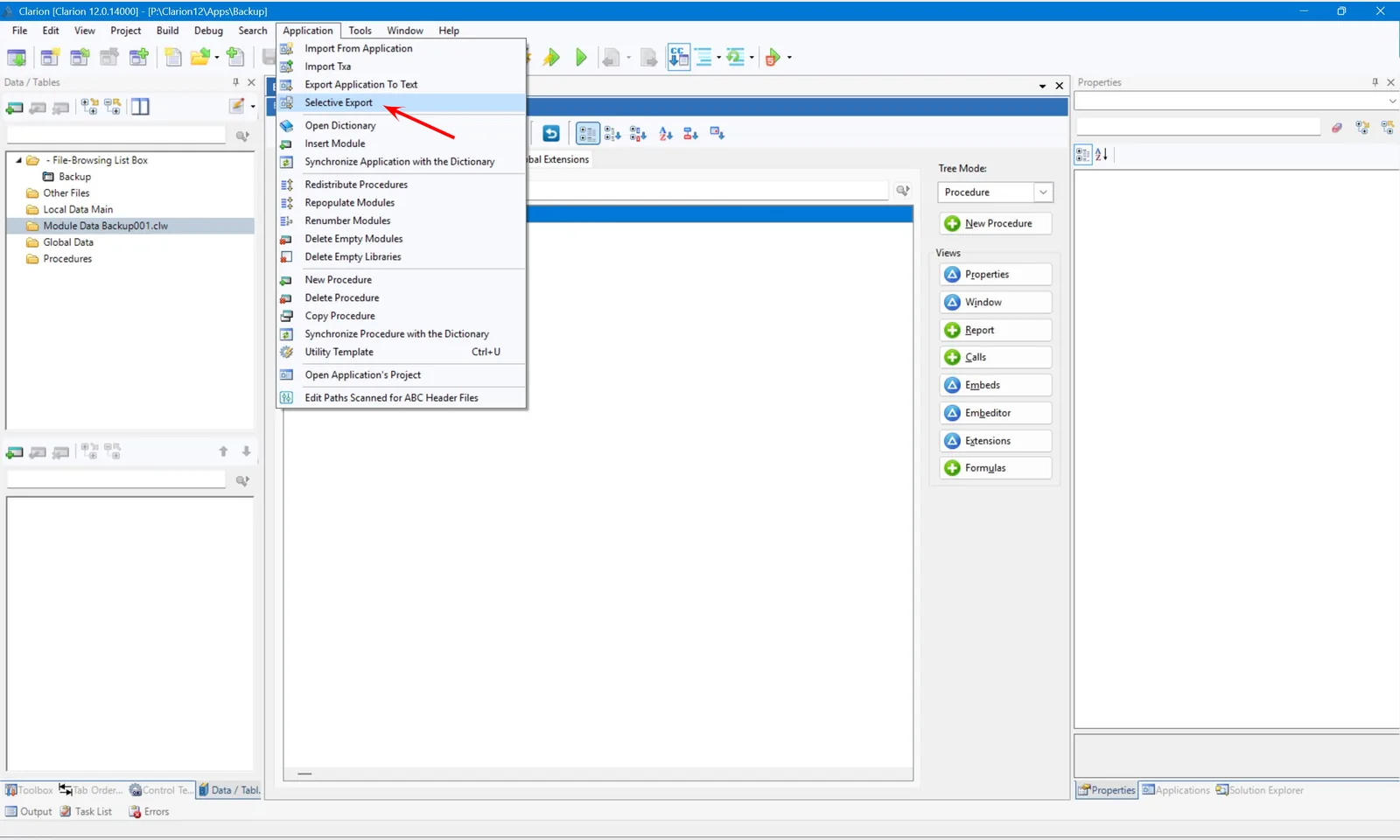
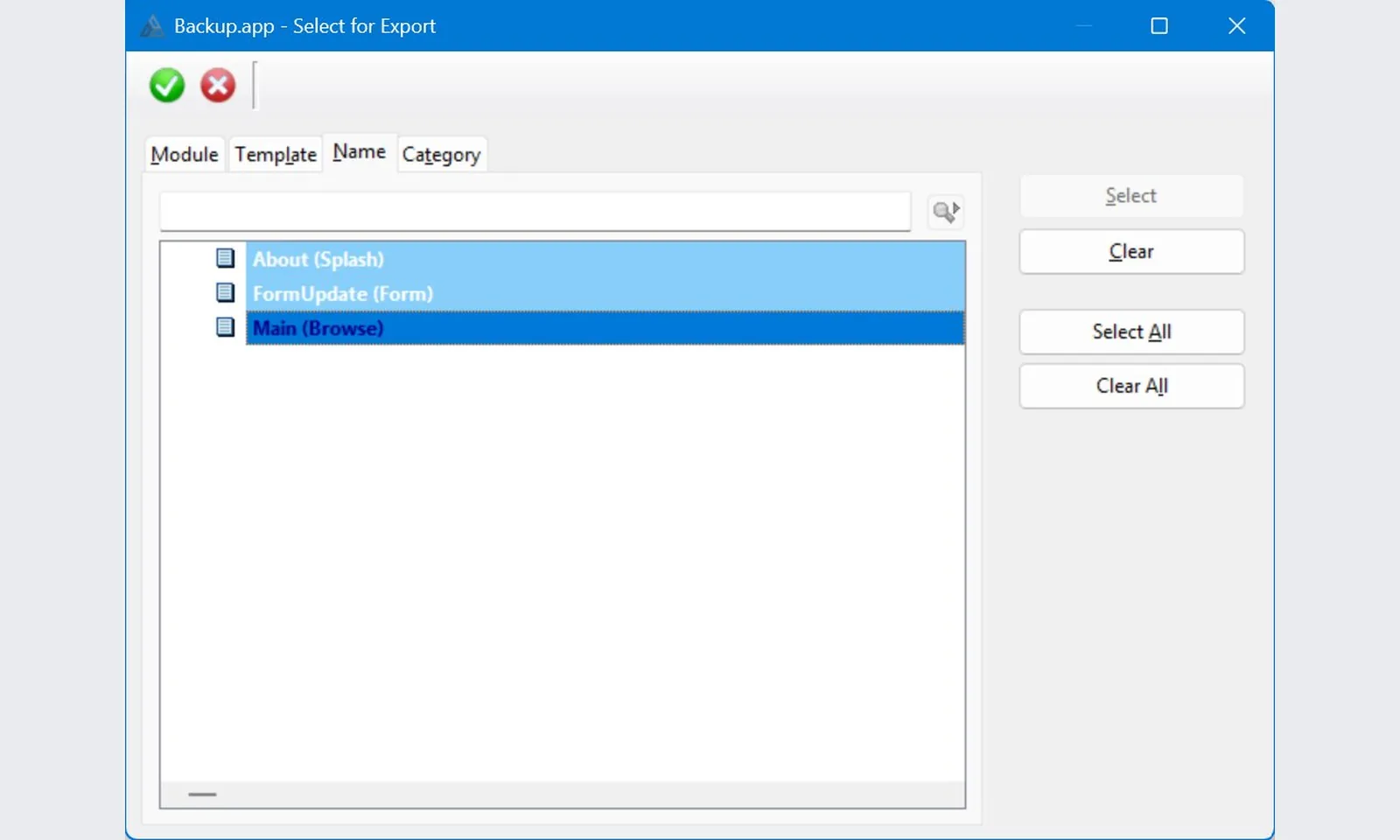
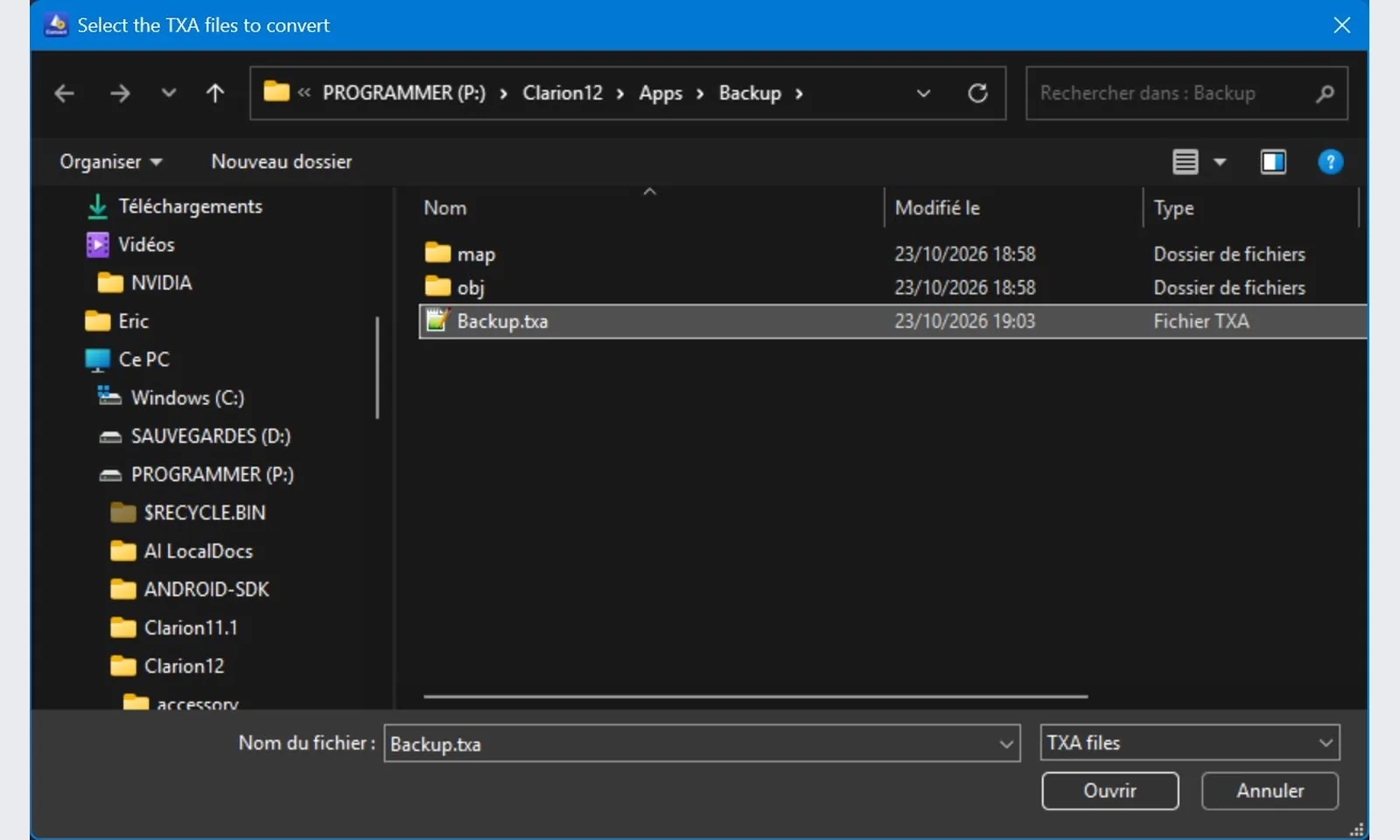
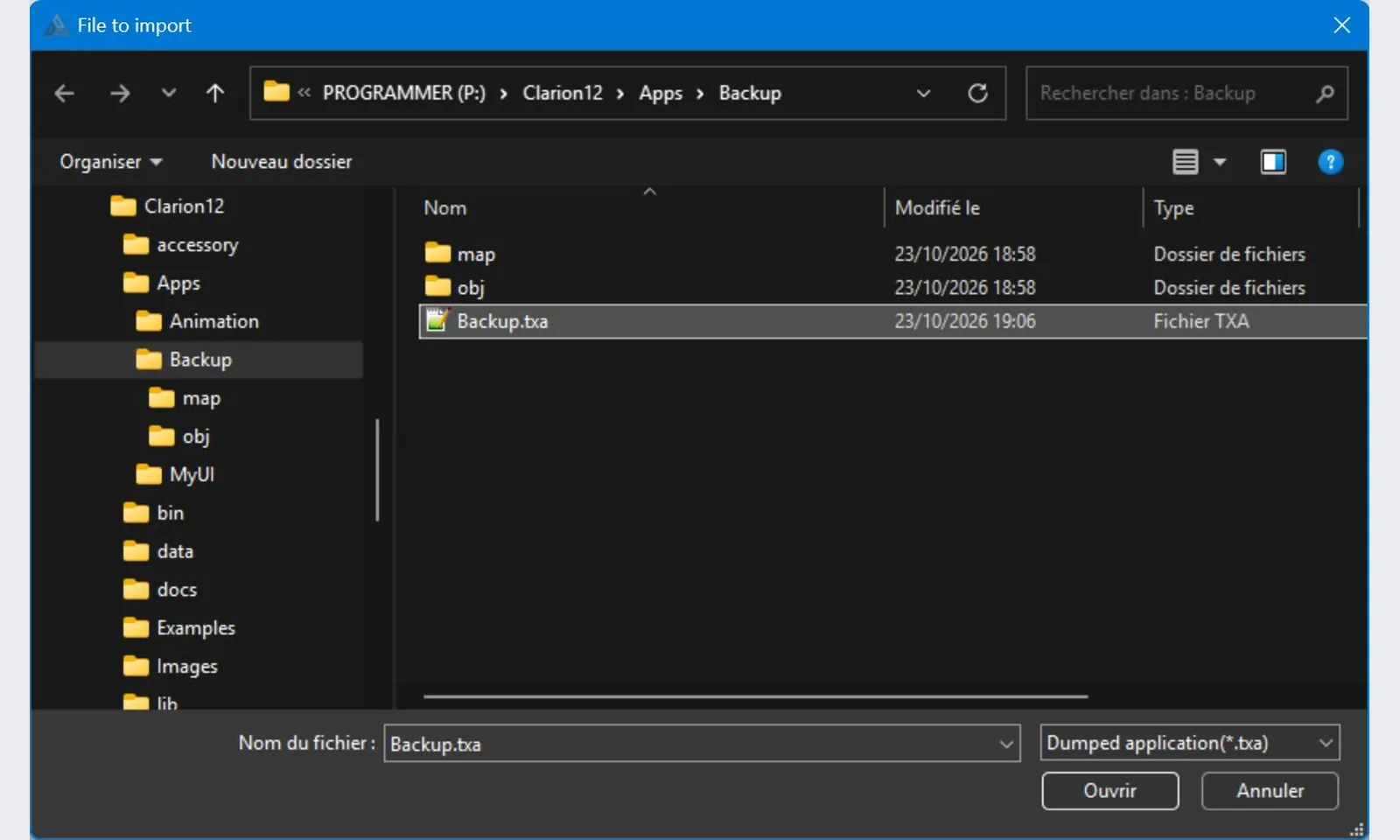
Select one or several TXA files exported from the IDE. Every procedure that has a window is converted.
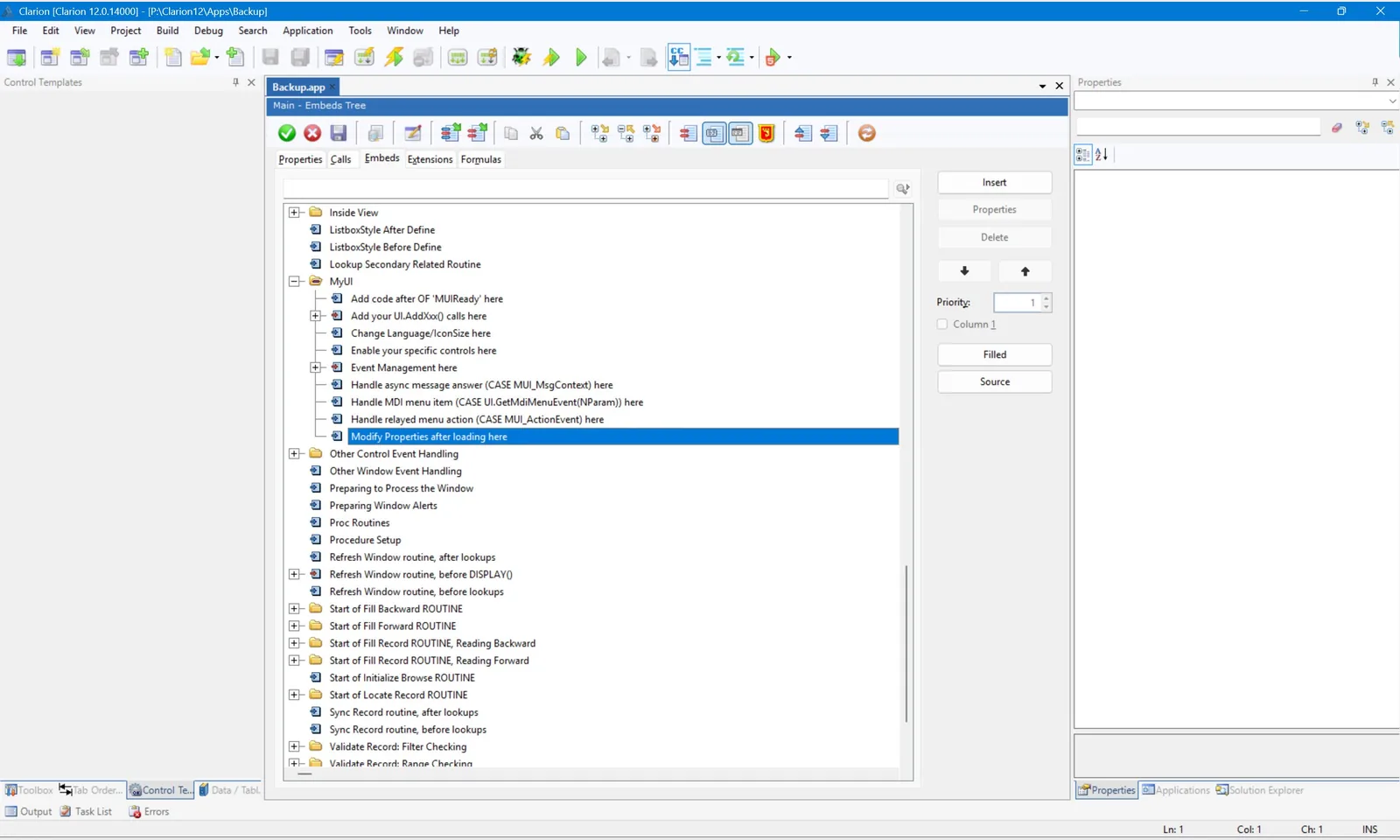
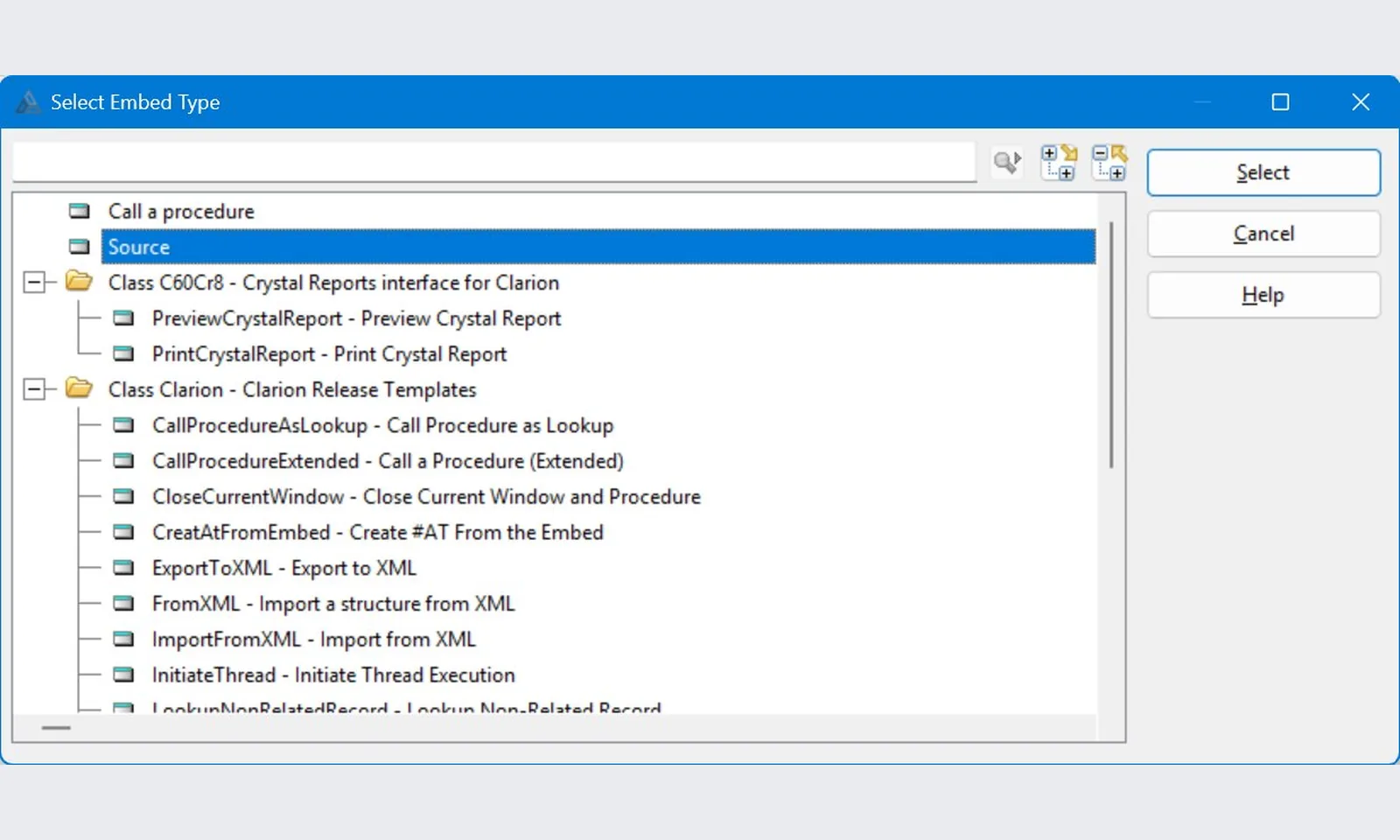
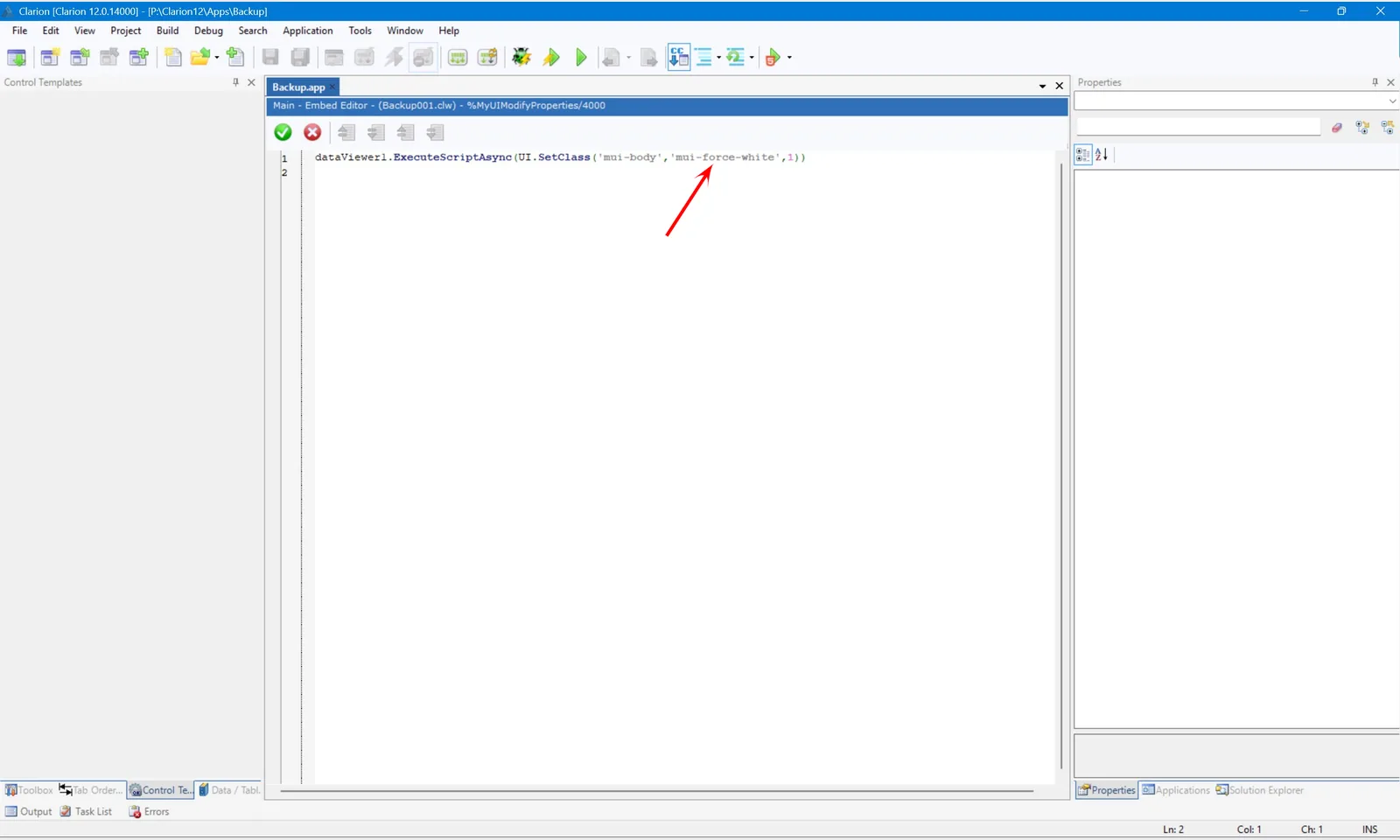
Code written in your embeds
The UI.AddXxx() calls and the event handling code are written into the embeds, while all the logic of your application stays in Clarion.
Your original is kept
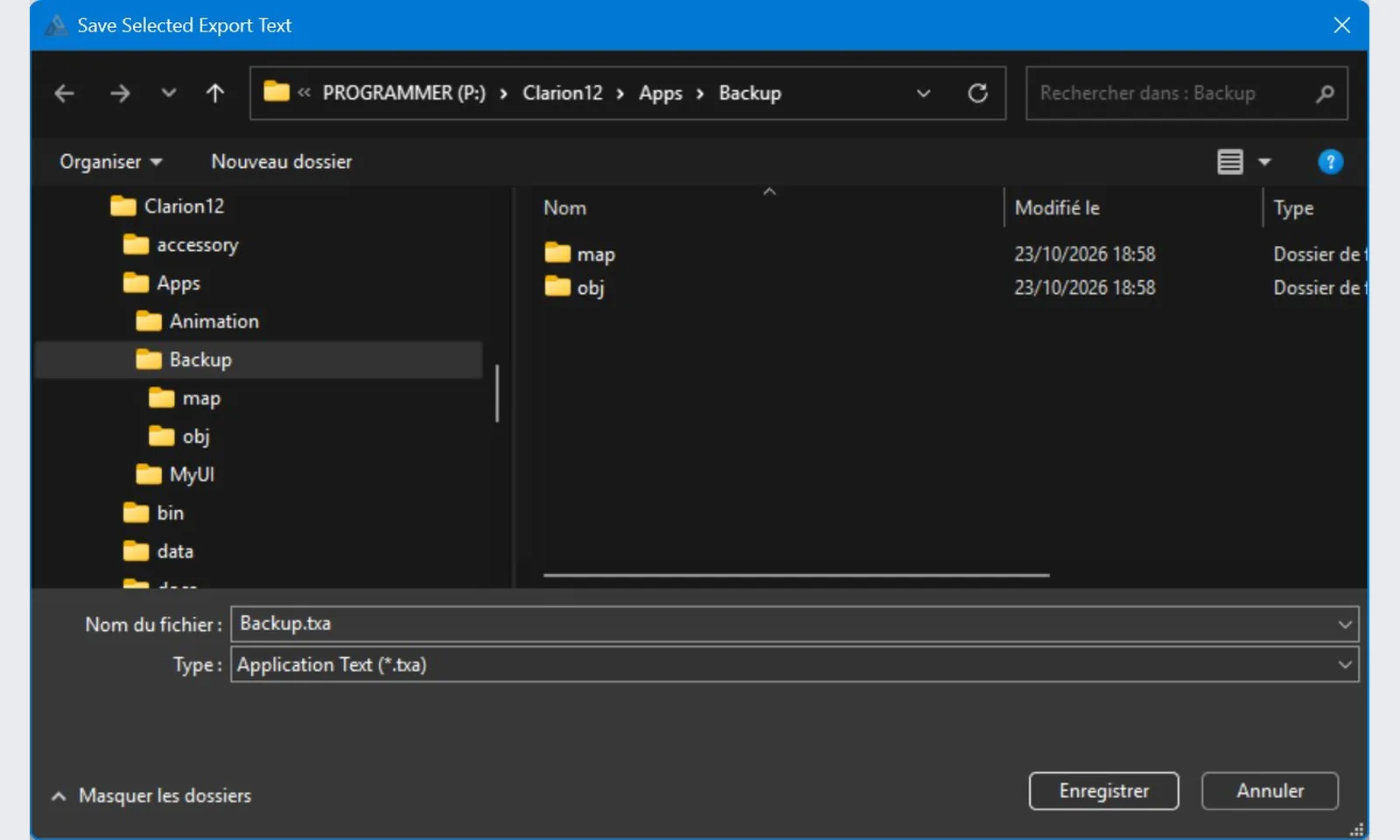
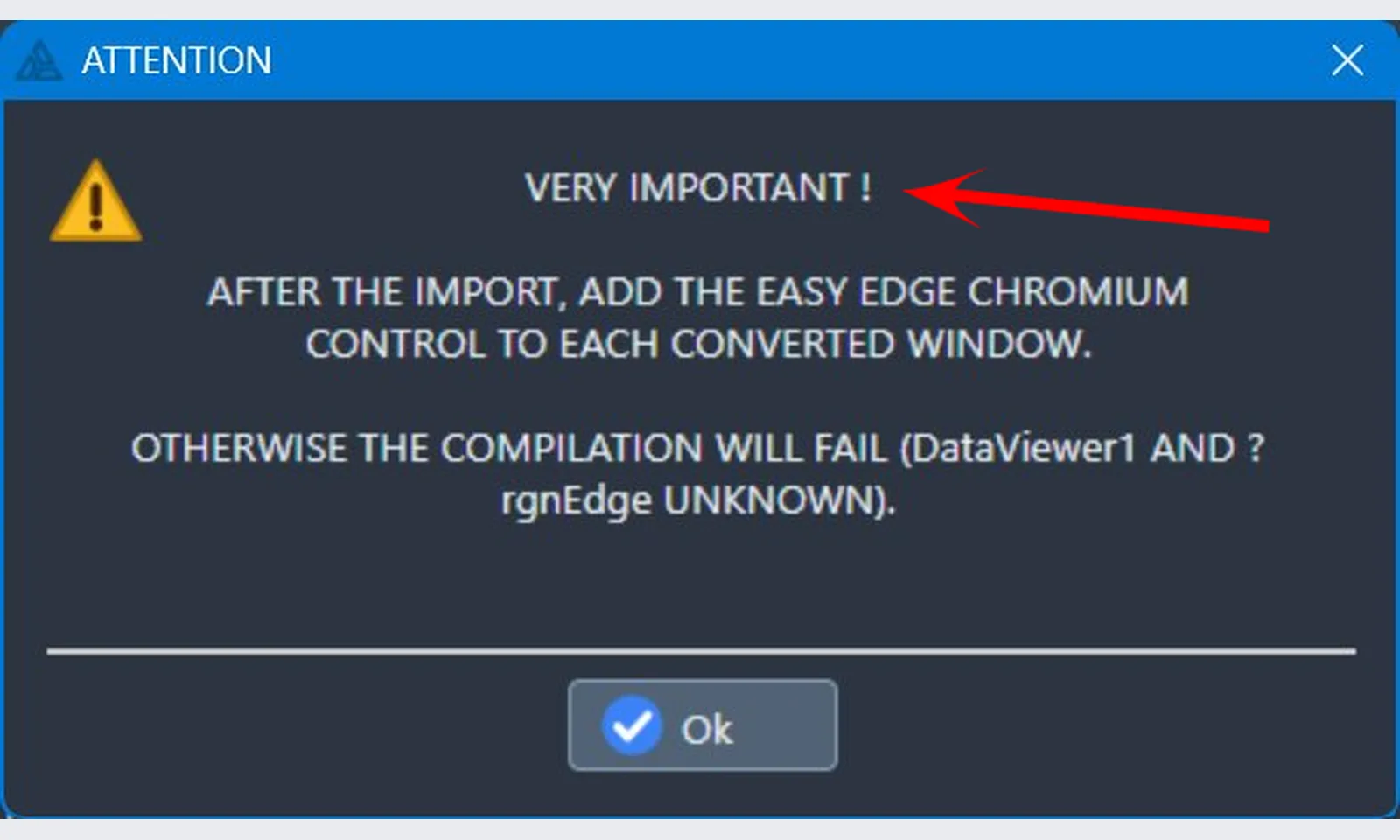
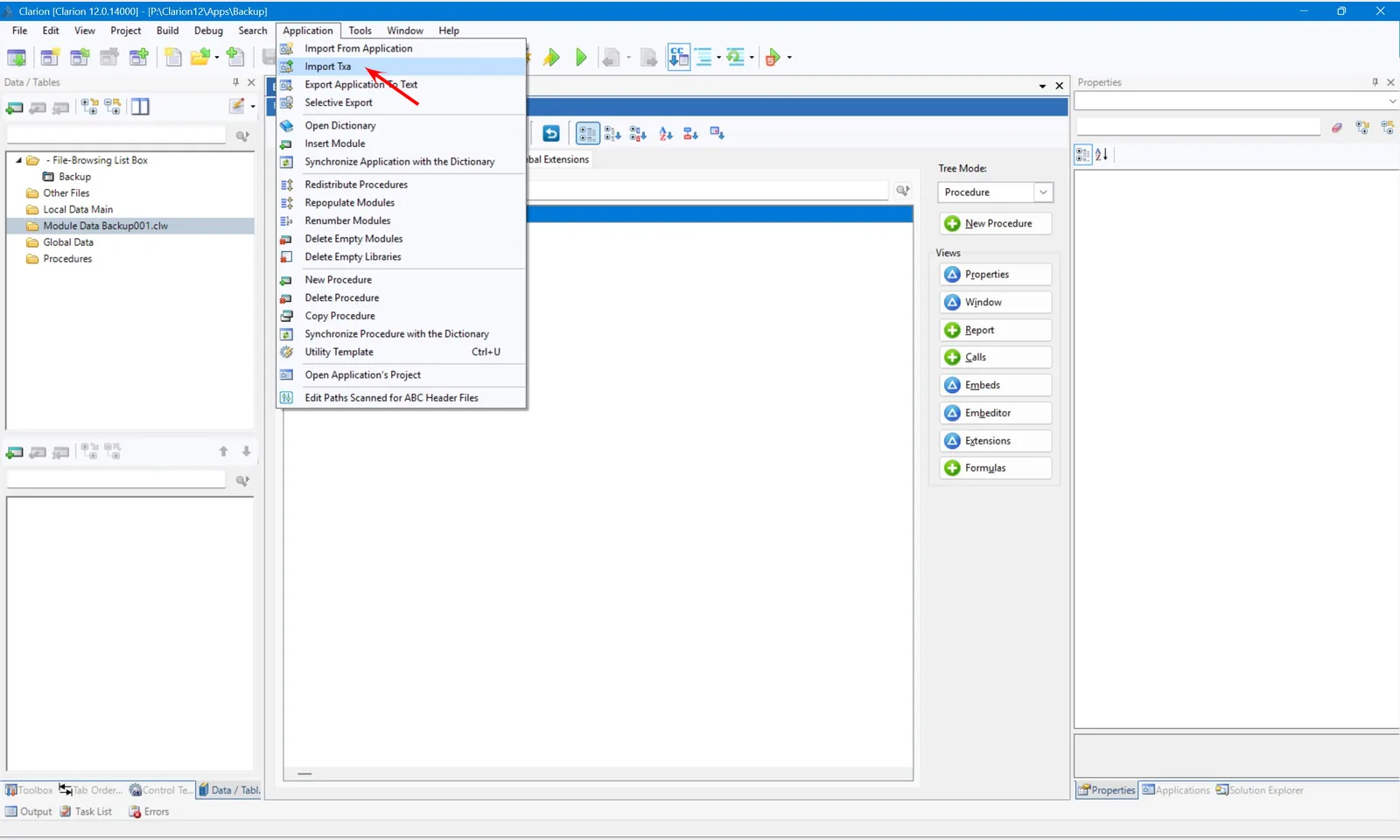
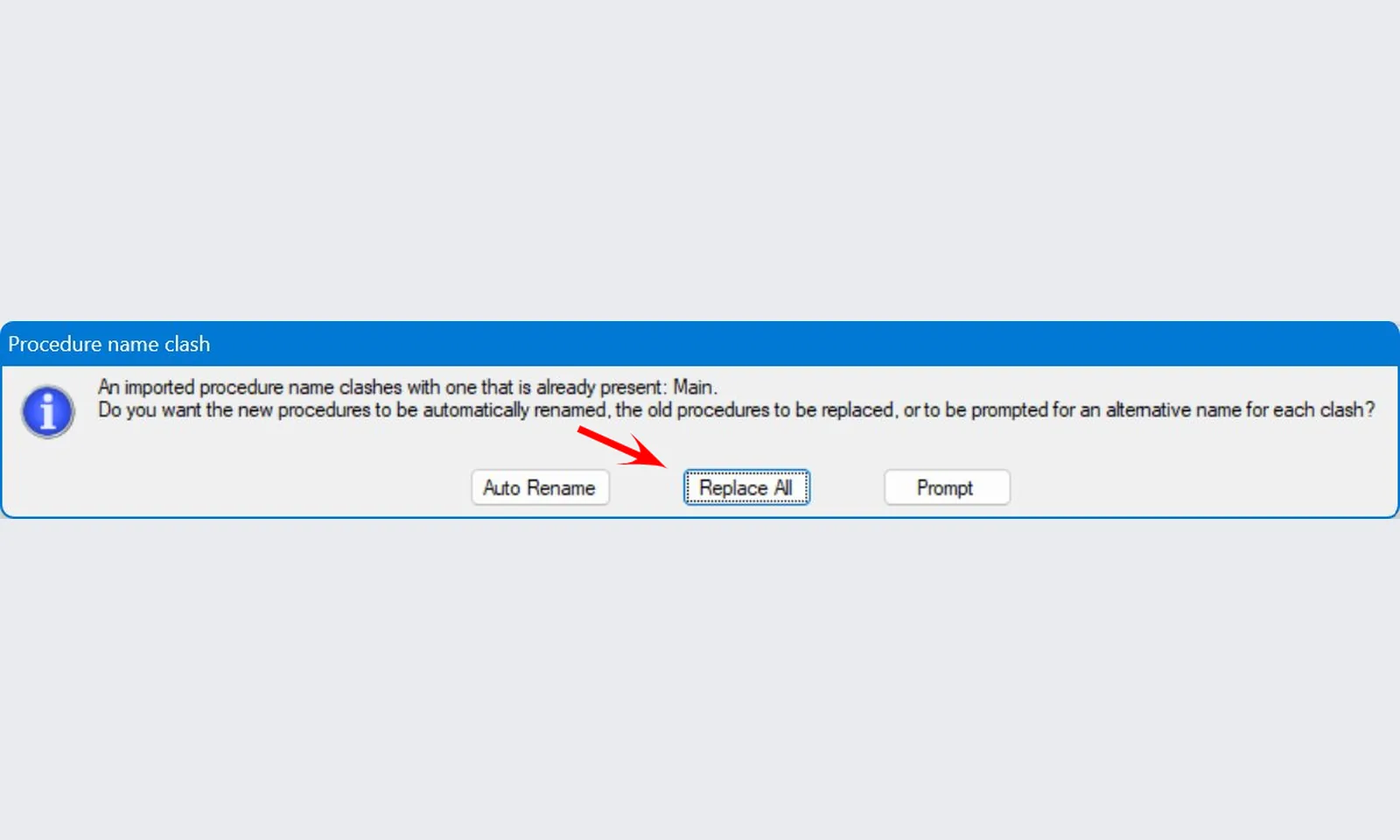
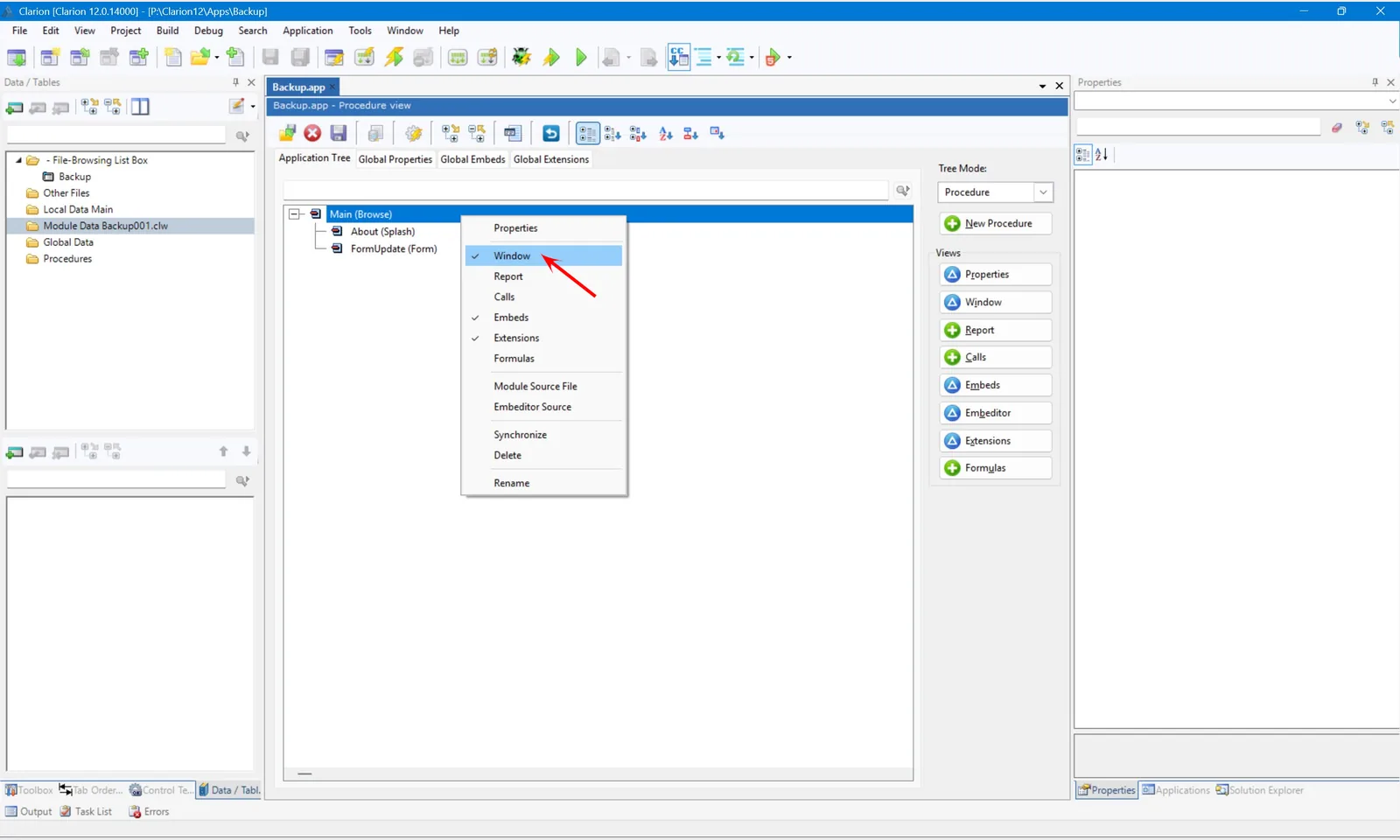
A .bak copy of the original TXA is kept. Import the converted TXA back, then add the EasyEdgeChromium control to the converted windows.
Coming soon MyUIConvert is being finalized. It will be sent to those who request the MyUI class as soon as it is ready.
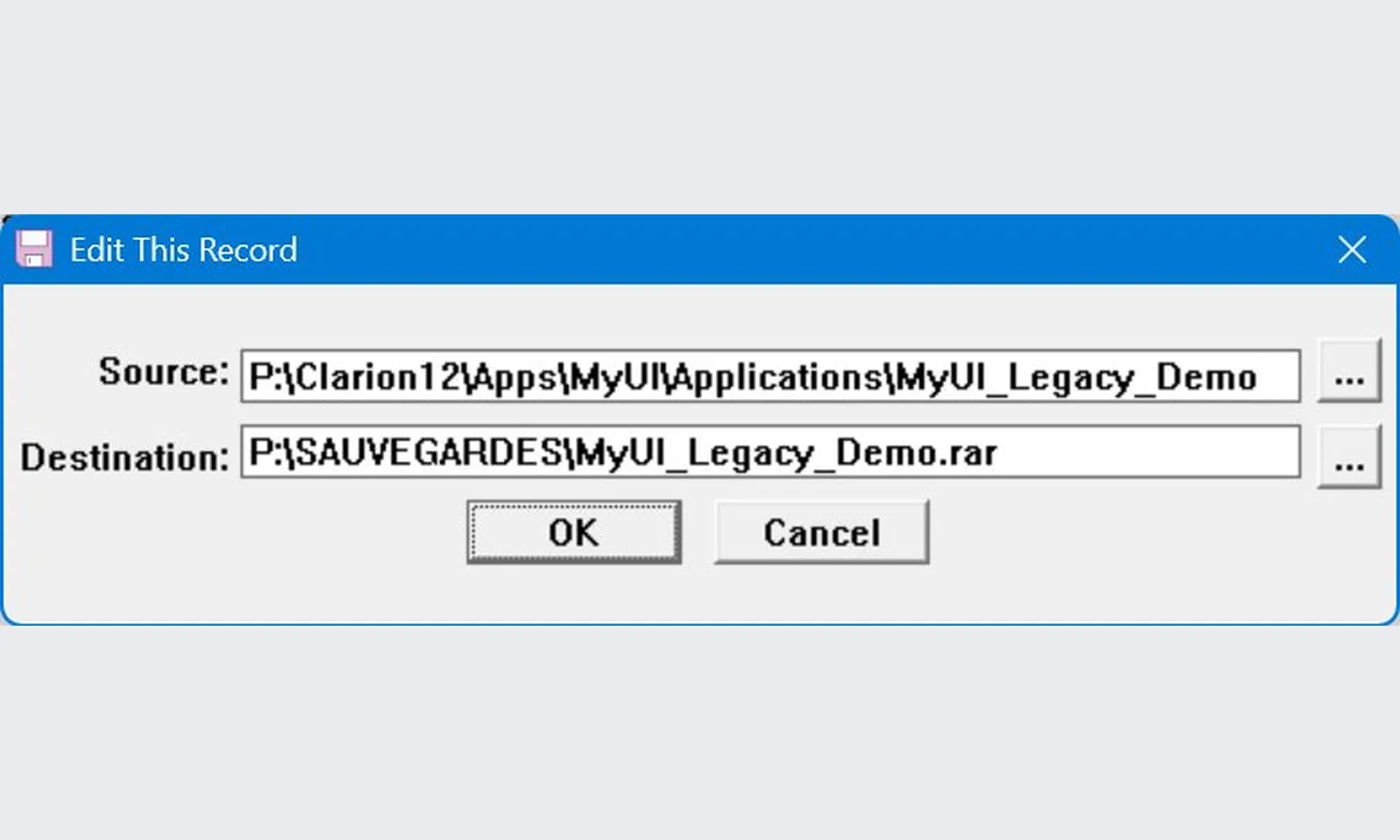
Step-by-step animation: transform a simple Clarion application with MyUI in a few minutes!
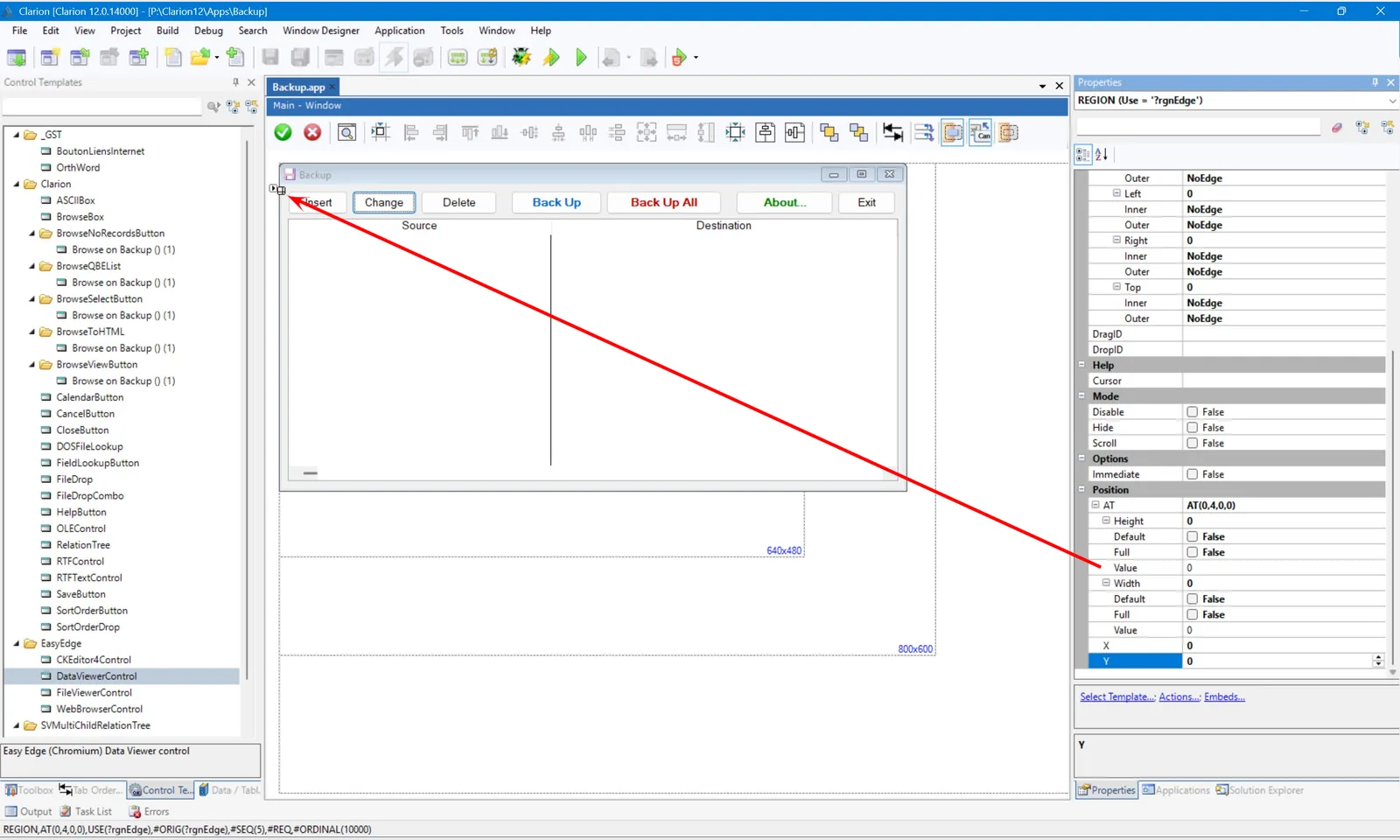
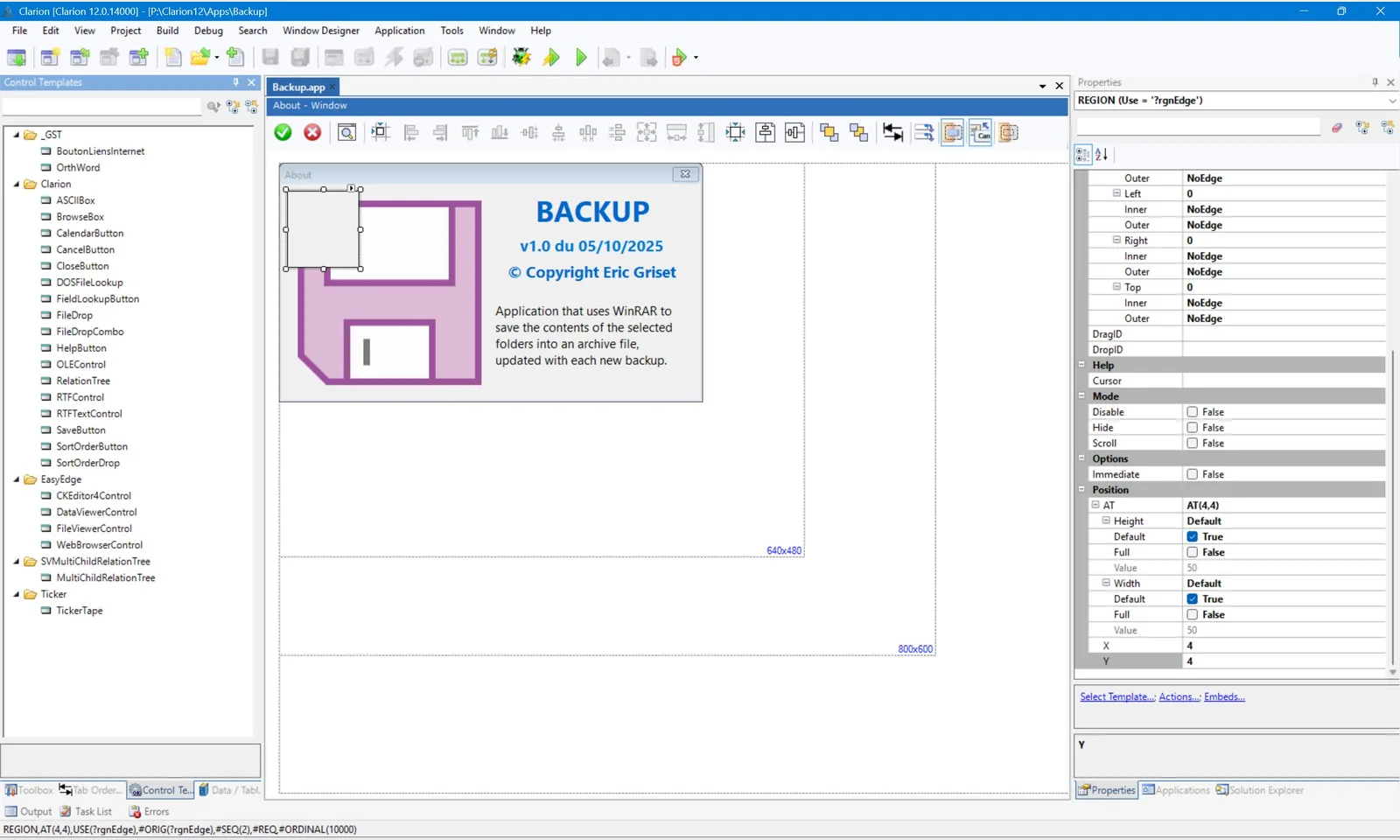
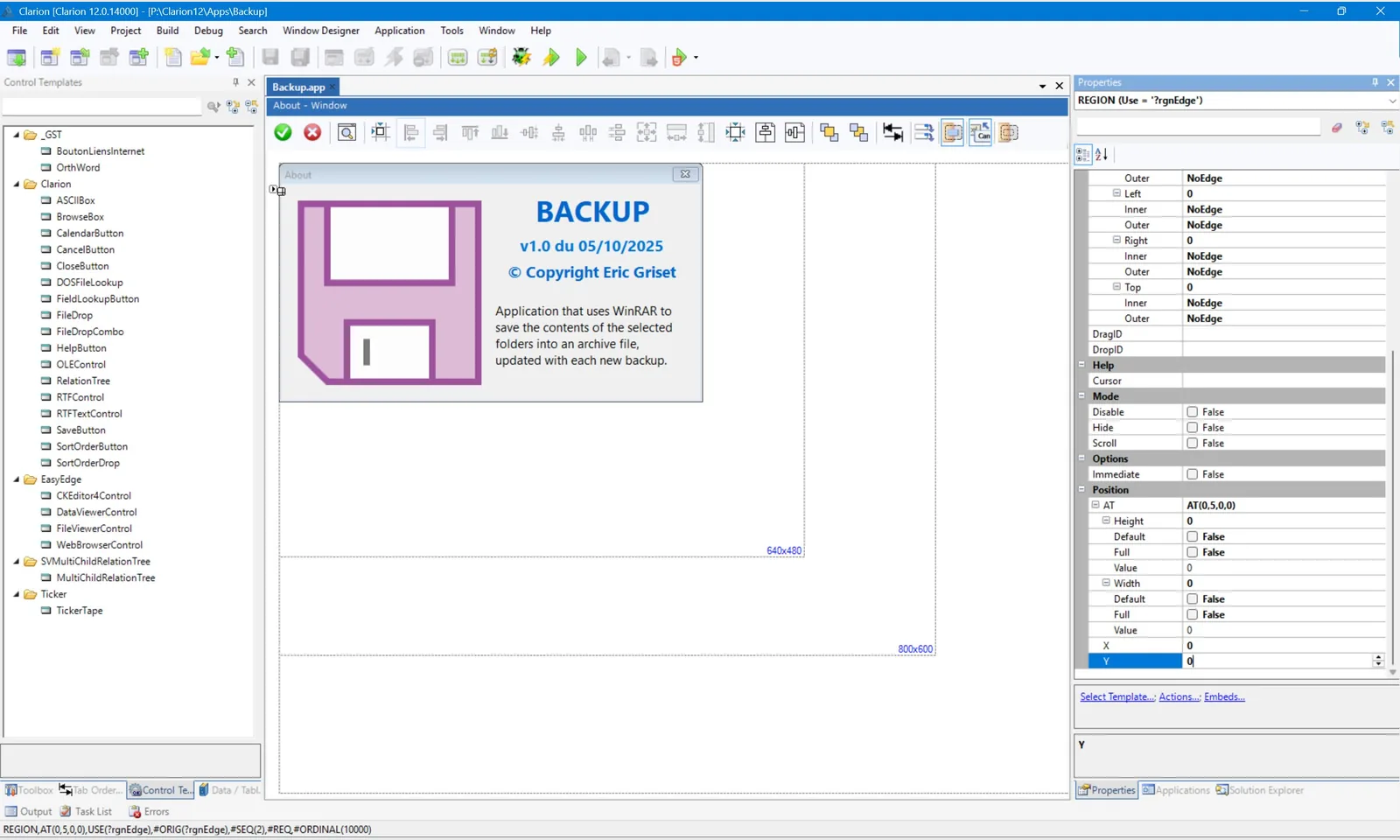
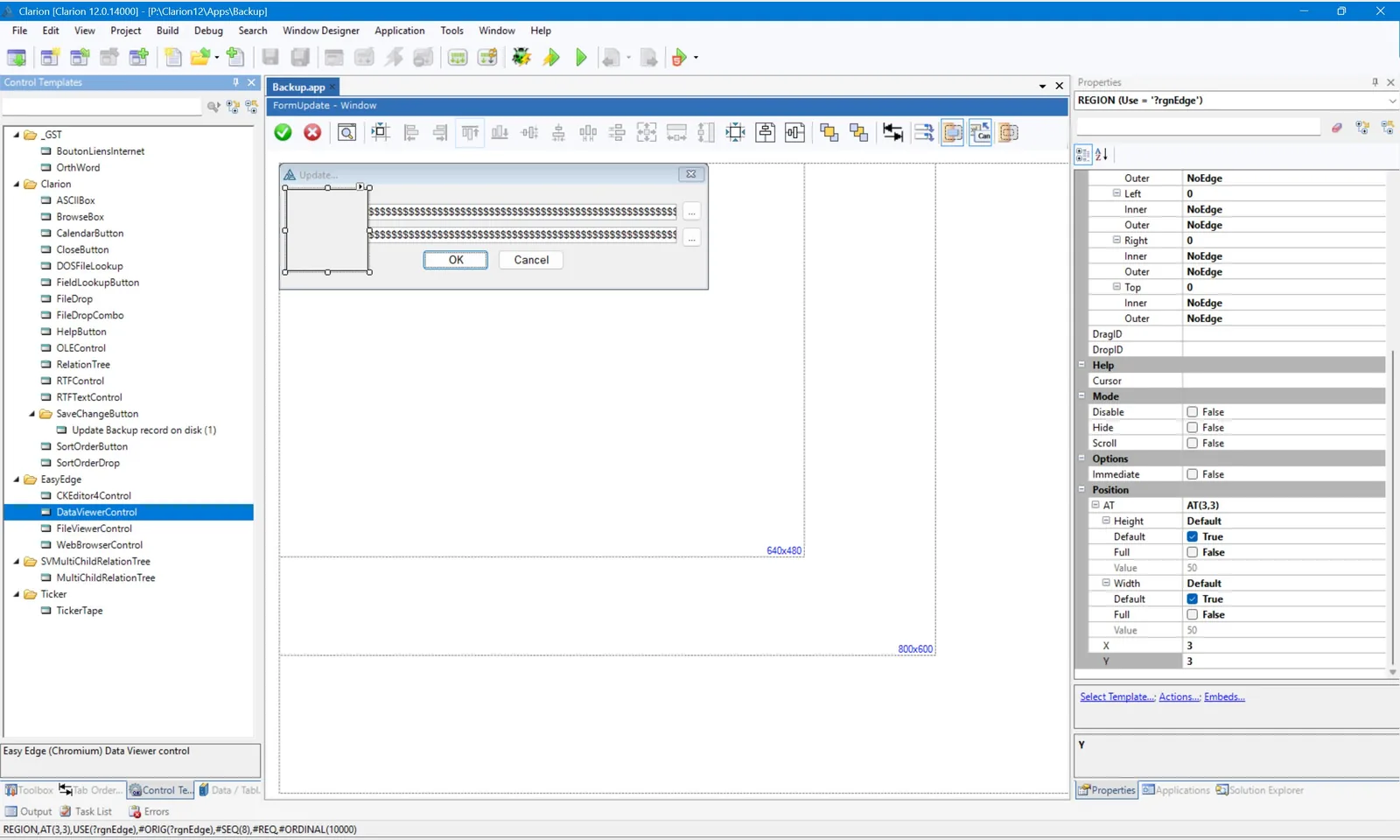
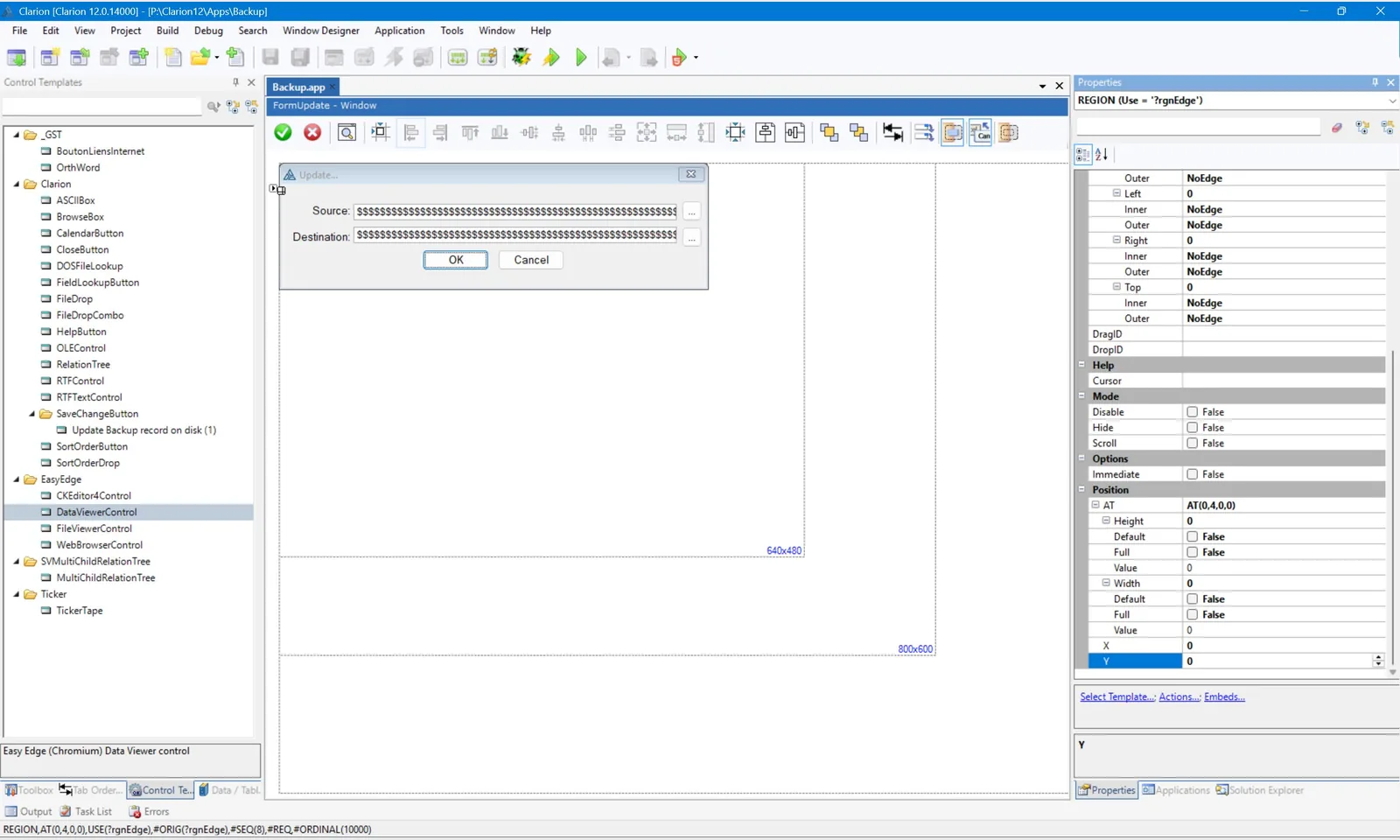
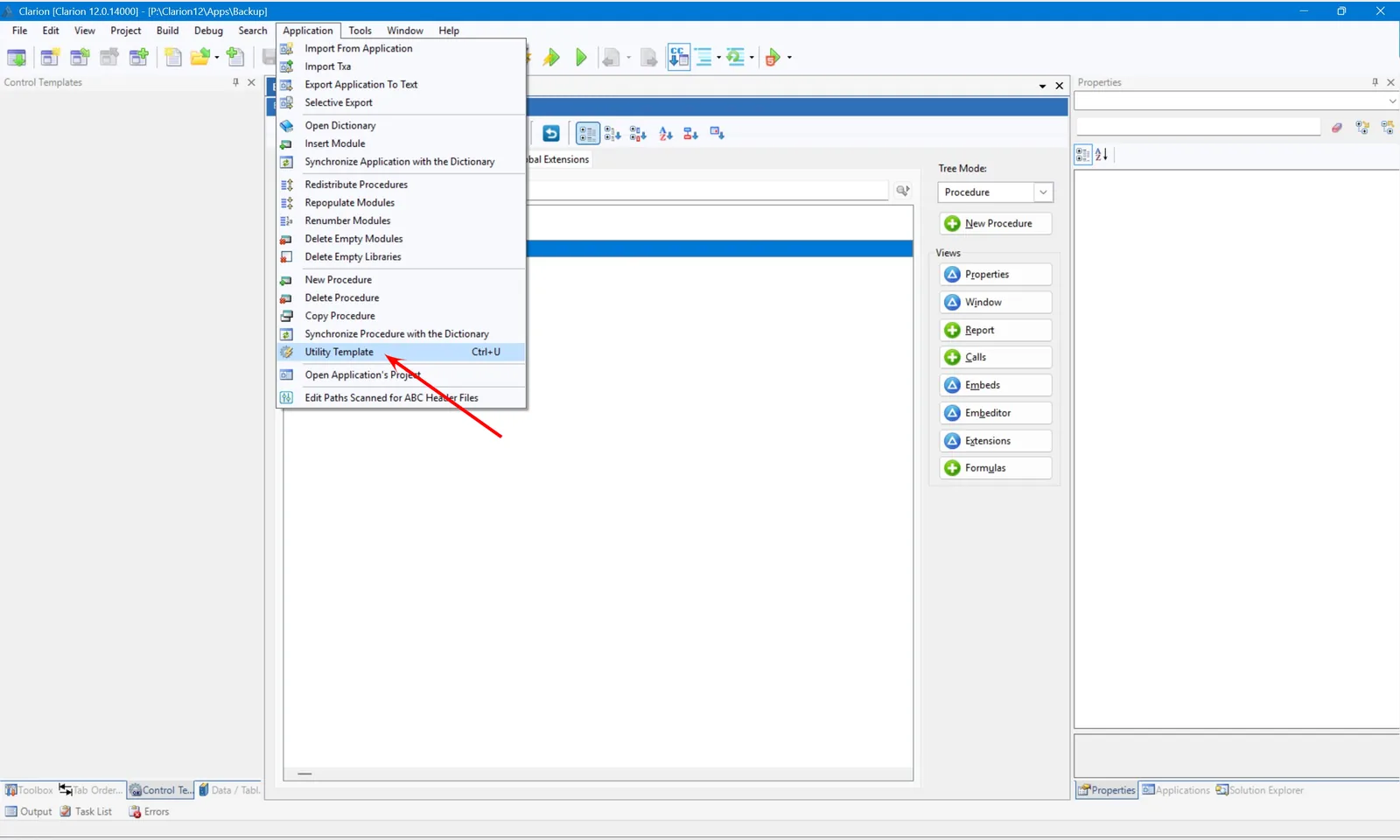
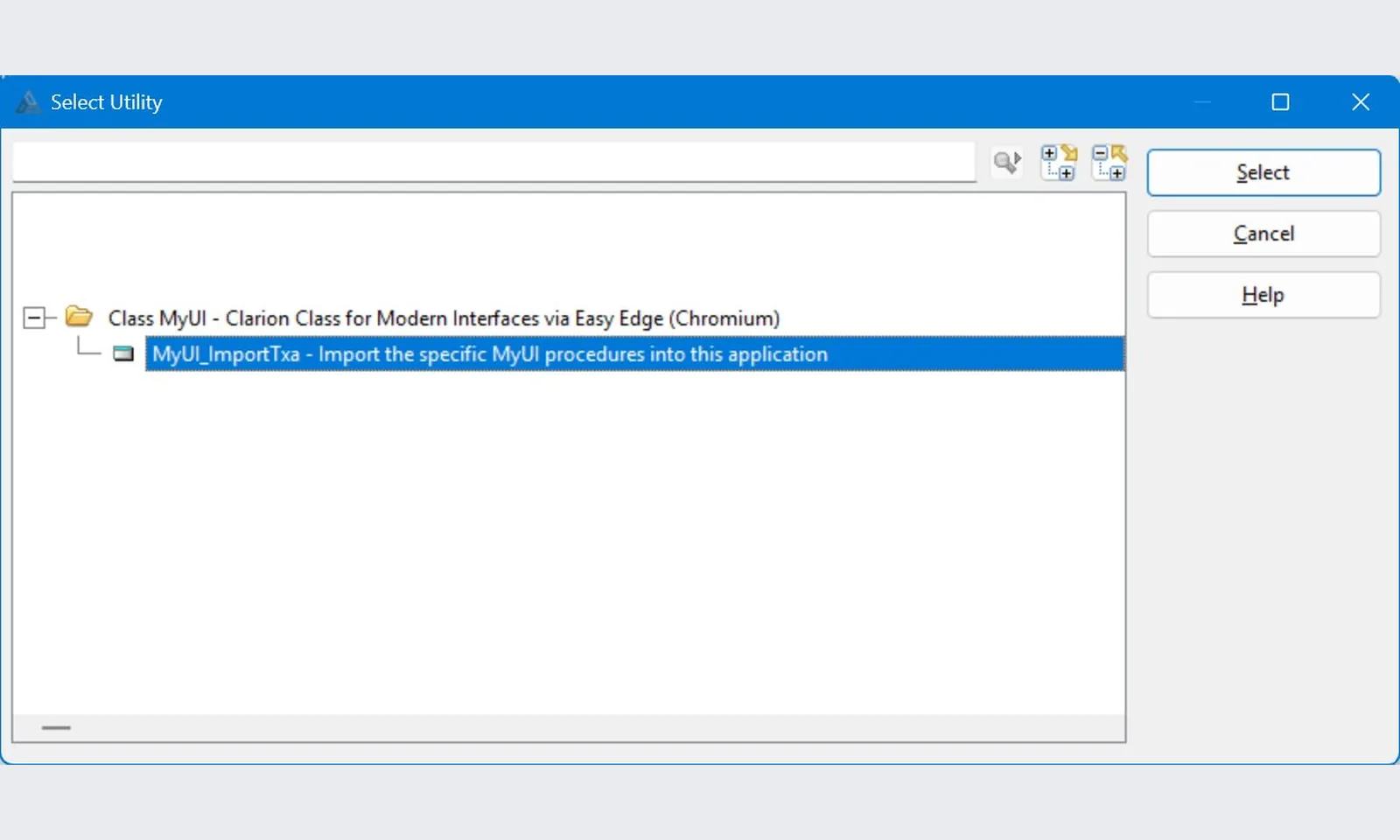
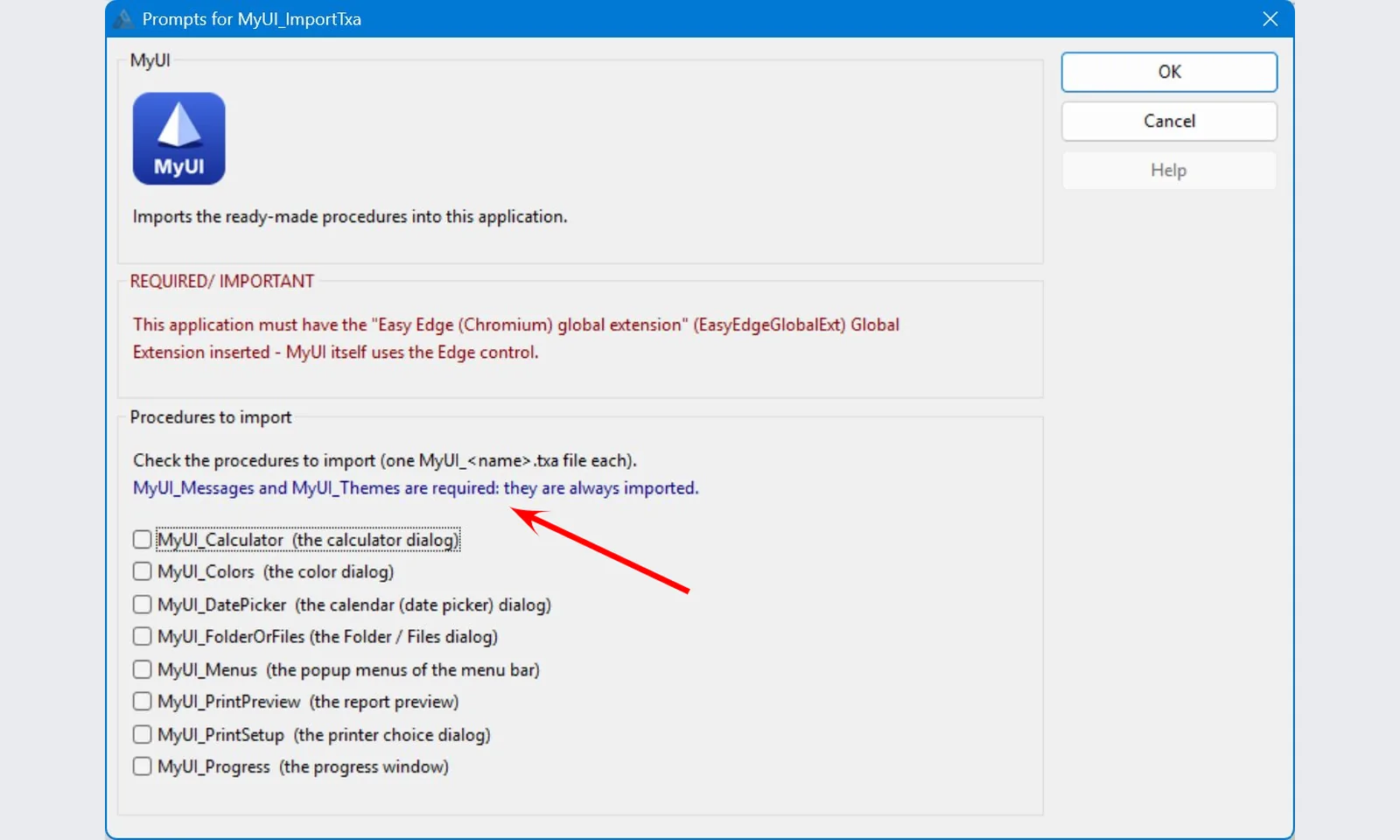
Build your UI calls visually.
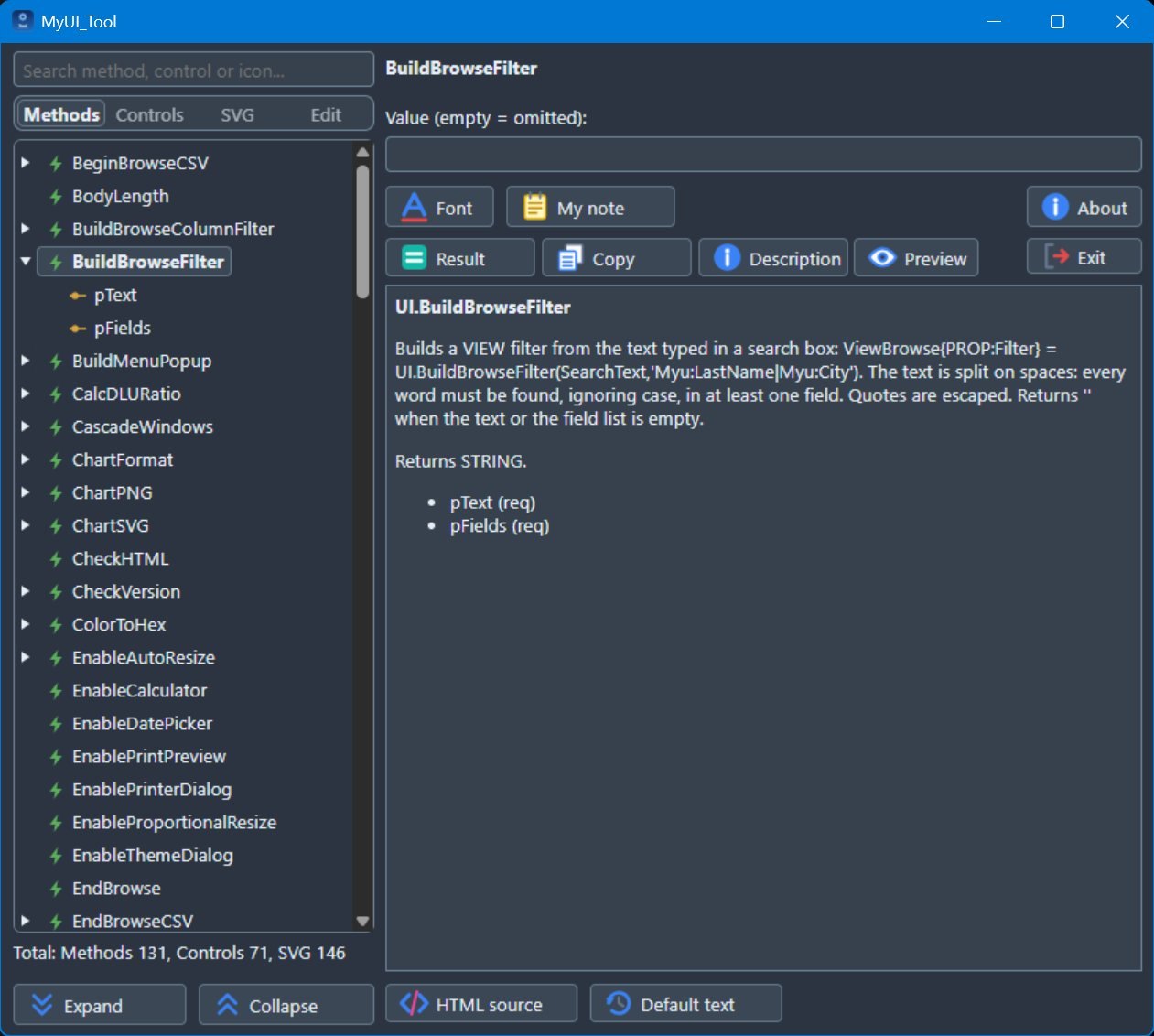
MyUI_Tool is a helper for the MyUI class. It shows the methods and controls of the class and builds the corresponding UI.AddXxx() calls for you, with an icon library and a visual window editor.
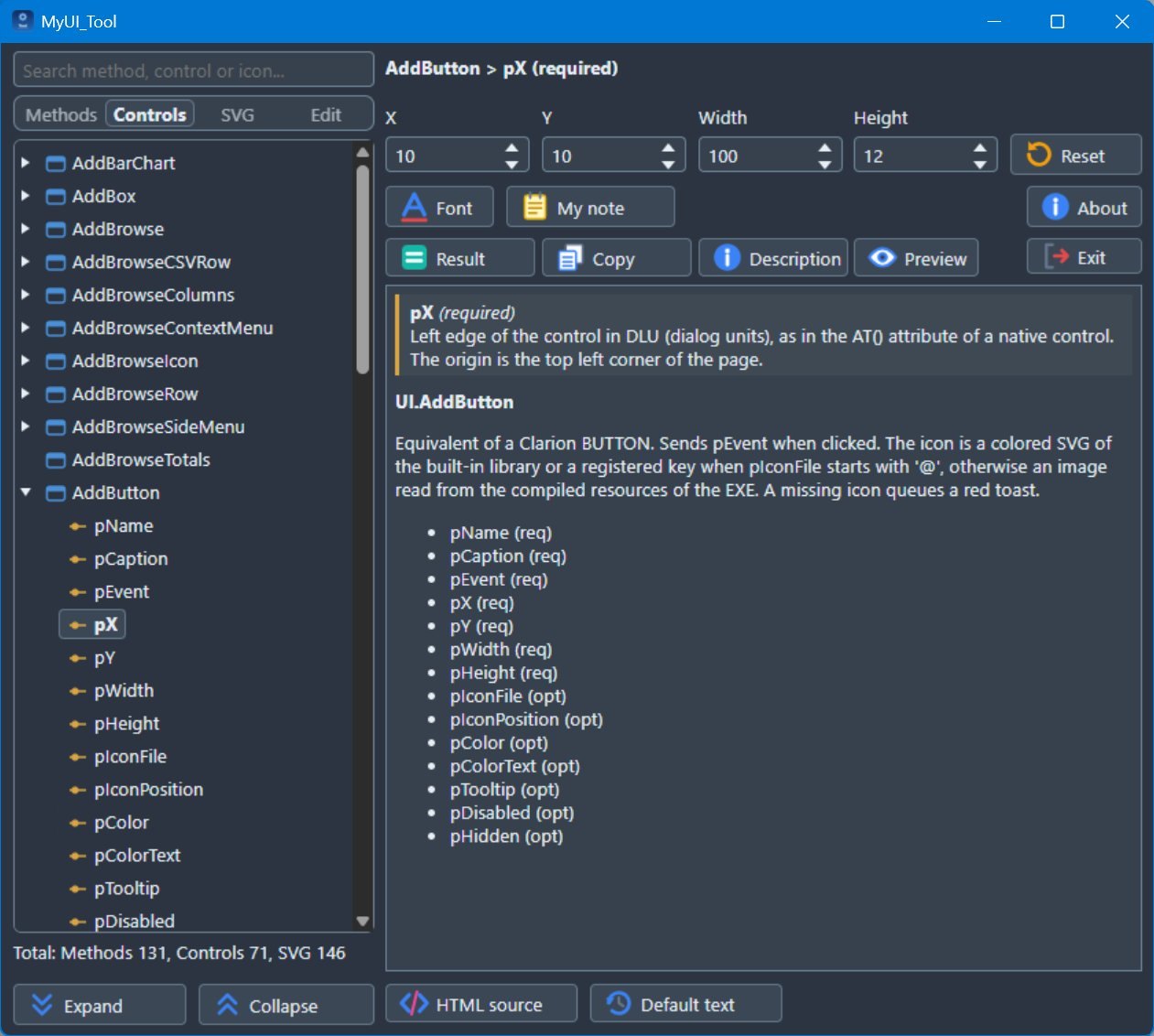
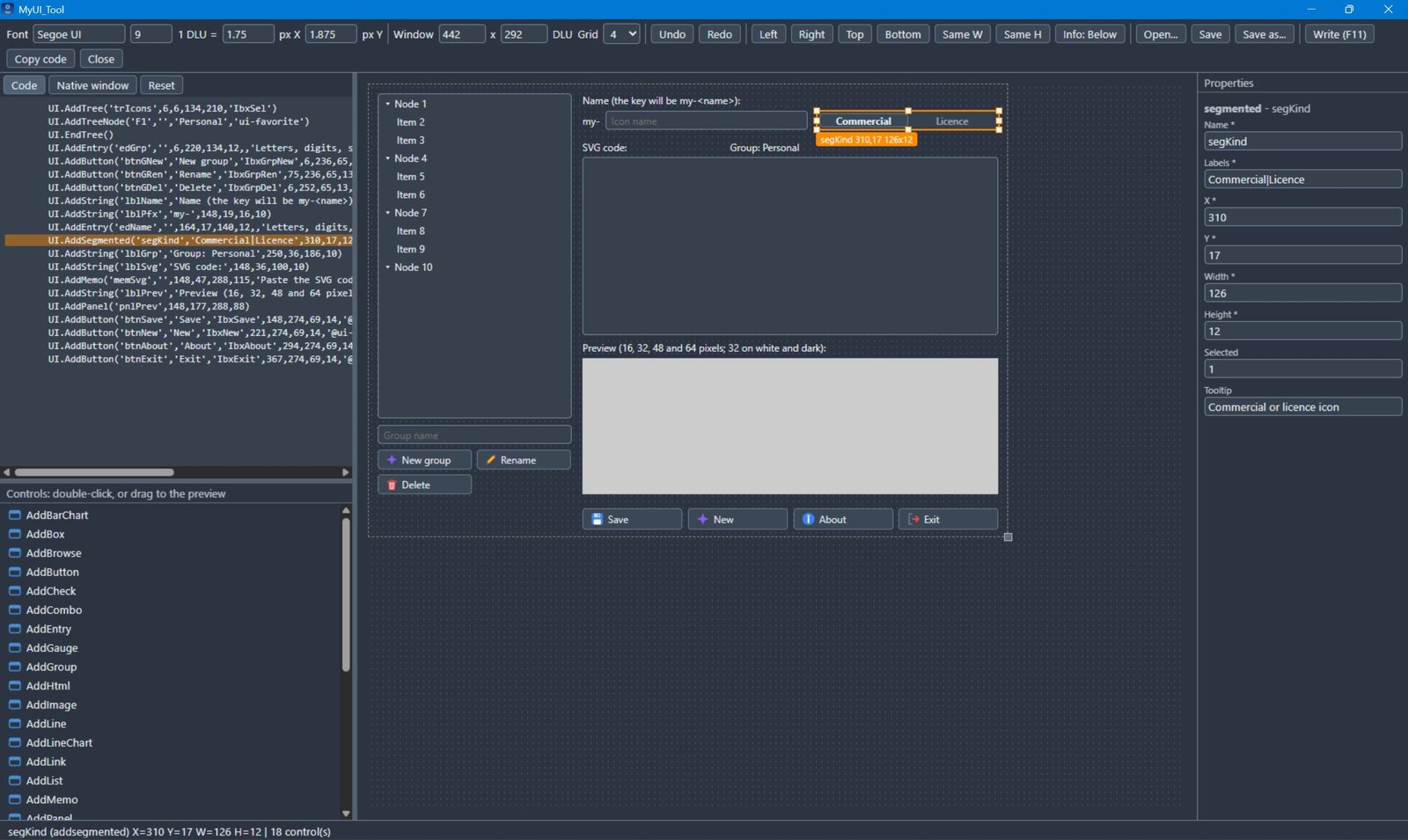
Browse the class
Three trees list the methods, controls and SVG icons, with a search box. Select an item to see its description and its parameters, required or optional.
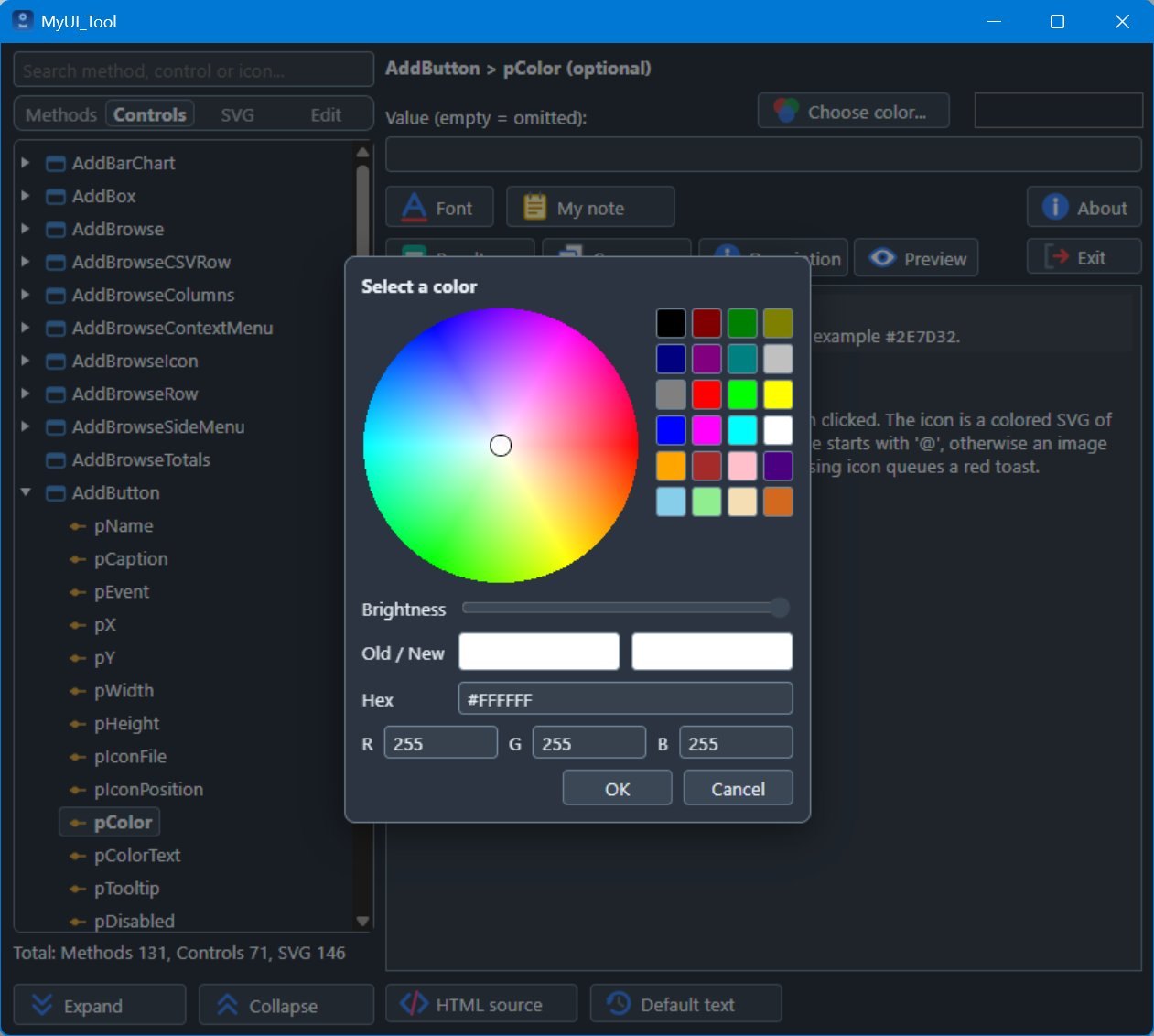
Build the calls
Enter a value for each parameter, with editors for colors, icons, fonts and flags. A live preview is displayed and the call is generated with its position, ready to paste in your embed point.
Your notes, your catalog
Add your own notes and descriptions to each control, saved in the tool settings. Import the method catalog again from MyUI.inc when the class changes.
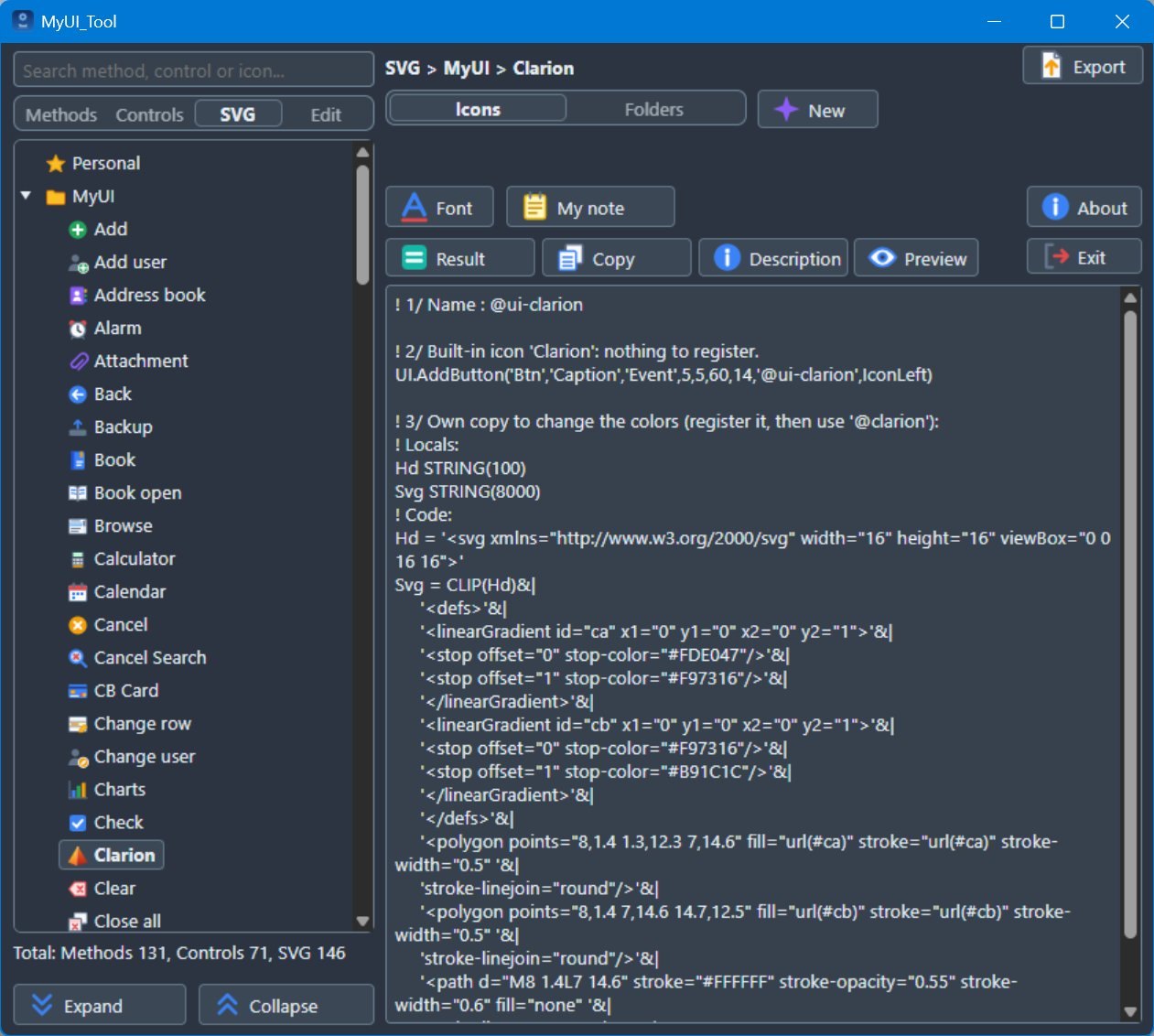
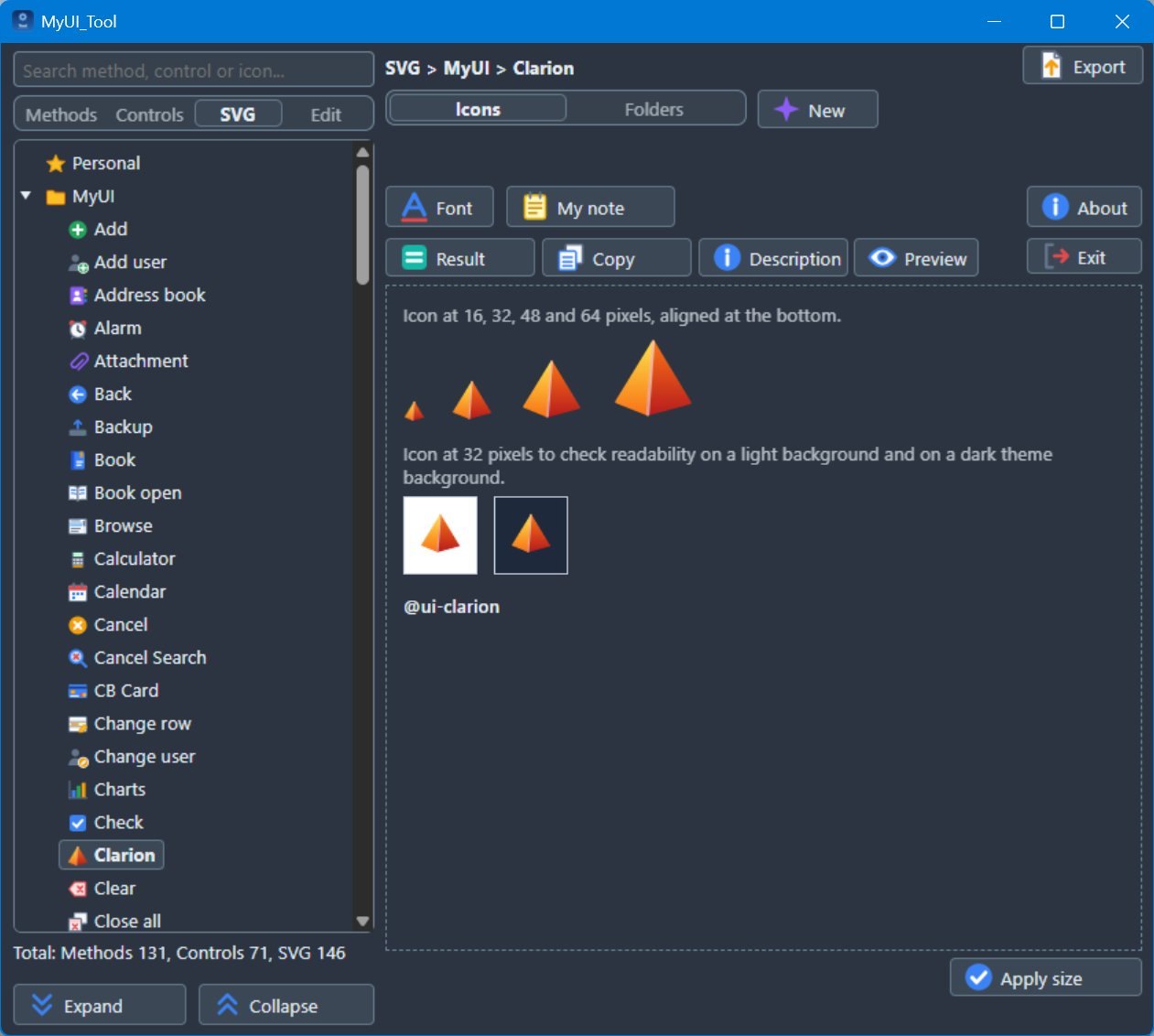
SVG icons
Use the icon library of the class or your own: create or import SVG icons, sort them into groups and folders, and export them as files.
Visual editor
Paste UI.AddXxx() lines or open a file: each control is drawn at its position, scaled in DLU. Move and resize with the mouse or the arrow keys, with a grid, multiple selection, alignment tools, Undo and Redo.
Safe write-back
Write (F11) updates only the four numbers X, Y, Width and Height in your code. Events, variables and comments stay untouched.
From a Clarion window
The Native window page converts a Clarion WINDOW declaration into the equivalent MyUI code, ready to be adjusted in the editor.
Resize simulation
A resize handle simulates the resizing of the window, so you can check your anchors and proportions (RegisterResize and related methods) before compiling.
Coming soon MyUI_Tool is being finalized. It will be sent to those who request the MyUI class as soon as it is ready.
Get the MyUI class and its tools
The demo is a preview. The download link for the MyUI class is shared only with users who ask for it by writing to myui@free.fr (or with the button below). MyUI_Convert and MyUI_Tool are finished. The download links for the tools and the MyUI class will be sent to everyone who has requested them.
Request by emailFree, and open to your feedback.
This class is offered for free. Optional donations (via PayPal) are welcome, as are improvement requests and bug reports, which I will fix to the best of my ability.